Trusted since 2011 · All New in 2026

Real Push Notifications
for RSS. Finally.

Get instant push notifications when websites publish new content. Simple RSS+ monitors your feeds on our servers and delivers real, live notifications — even when the app is closed. No background refresh. No delays. No subscription. Now with a completely redesigned interface, full dark mode, and more powerful widgets than ever.

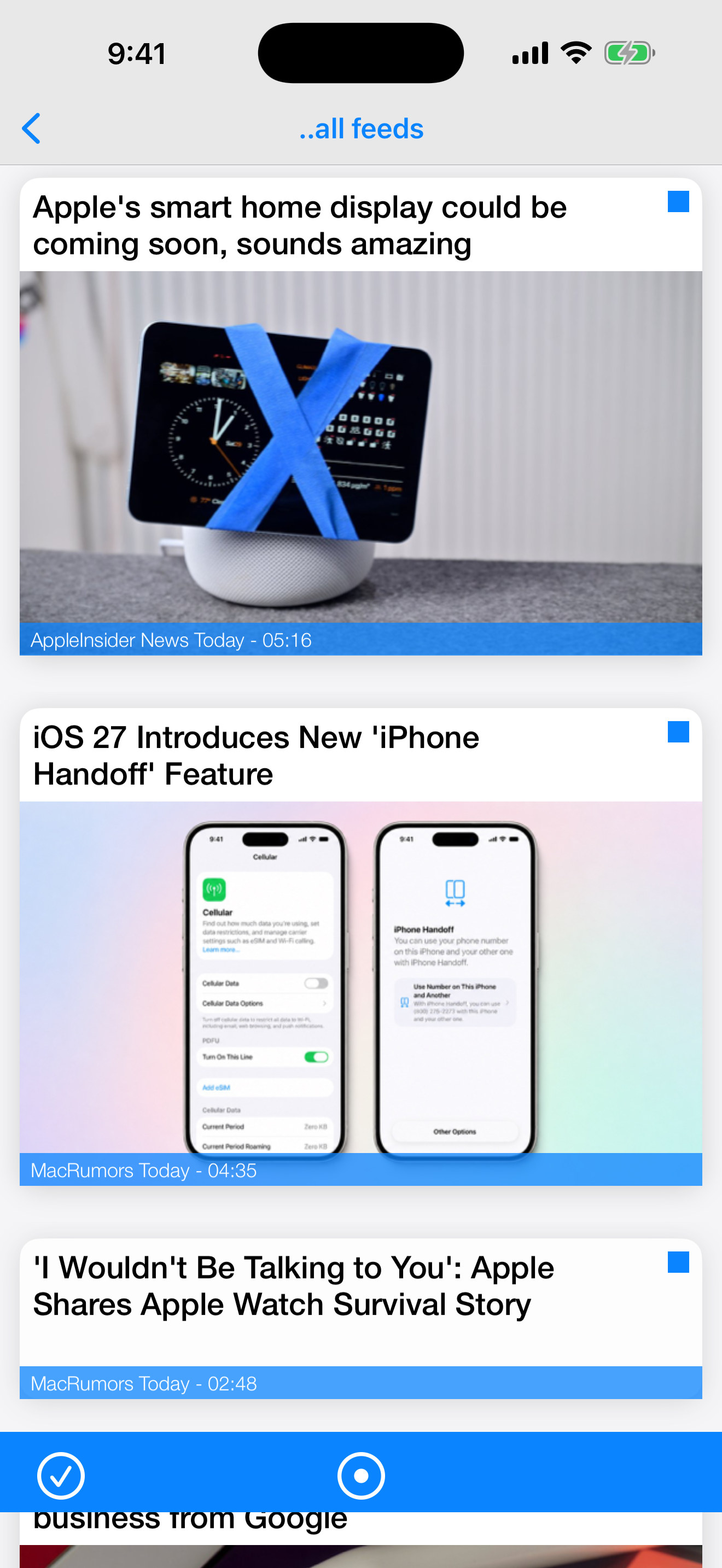
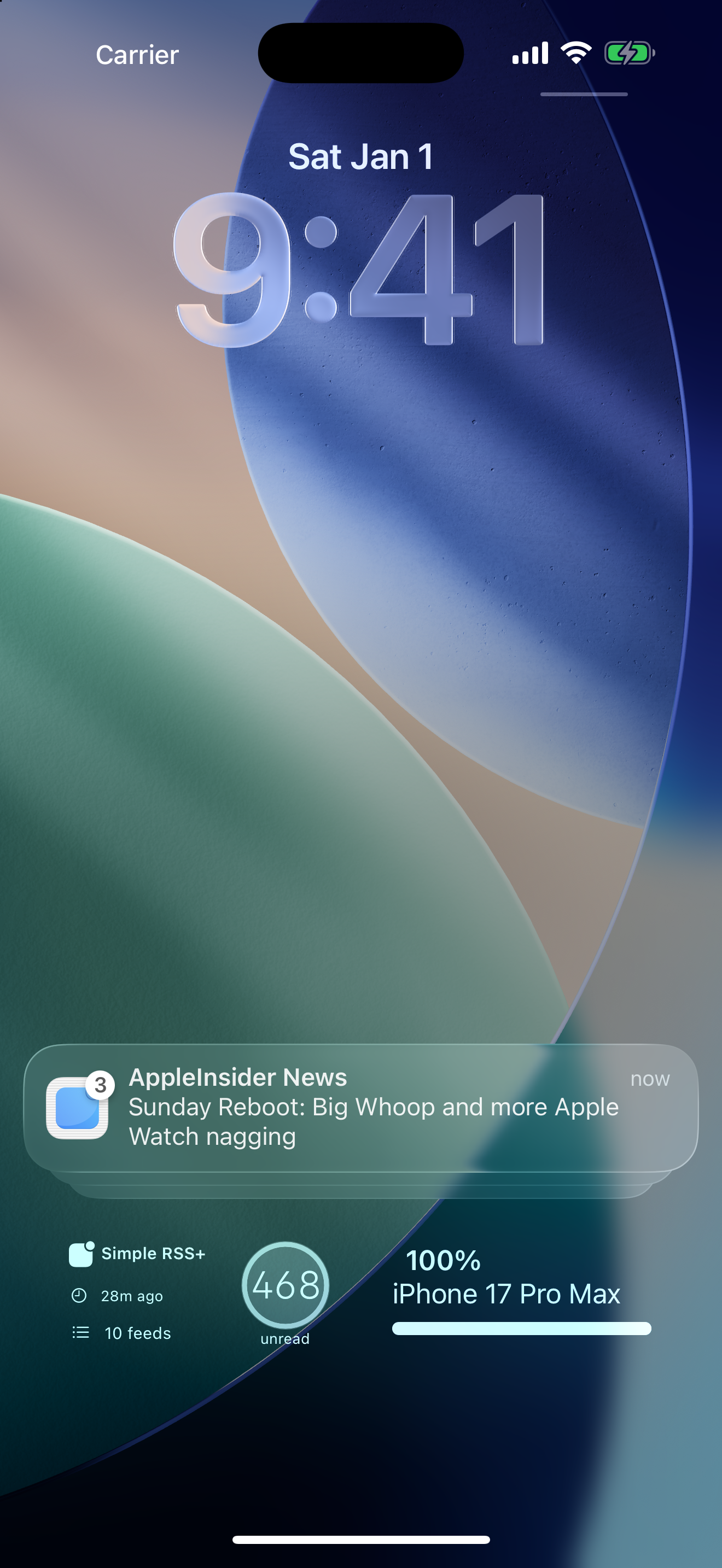
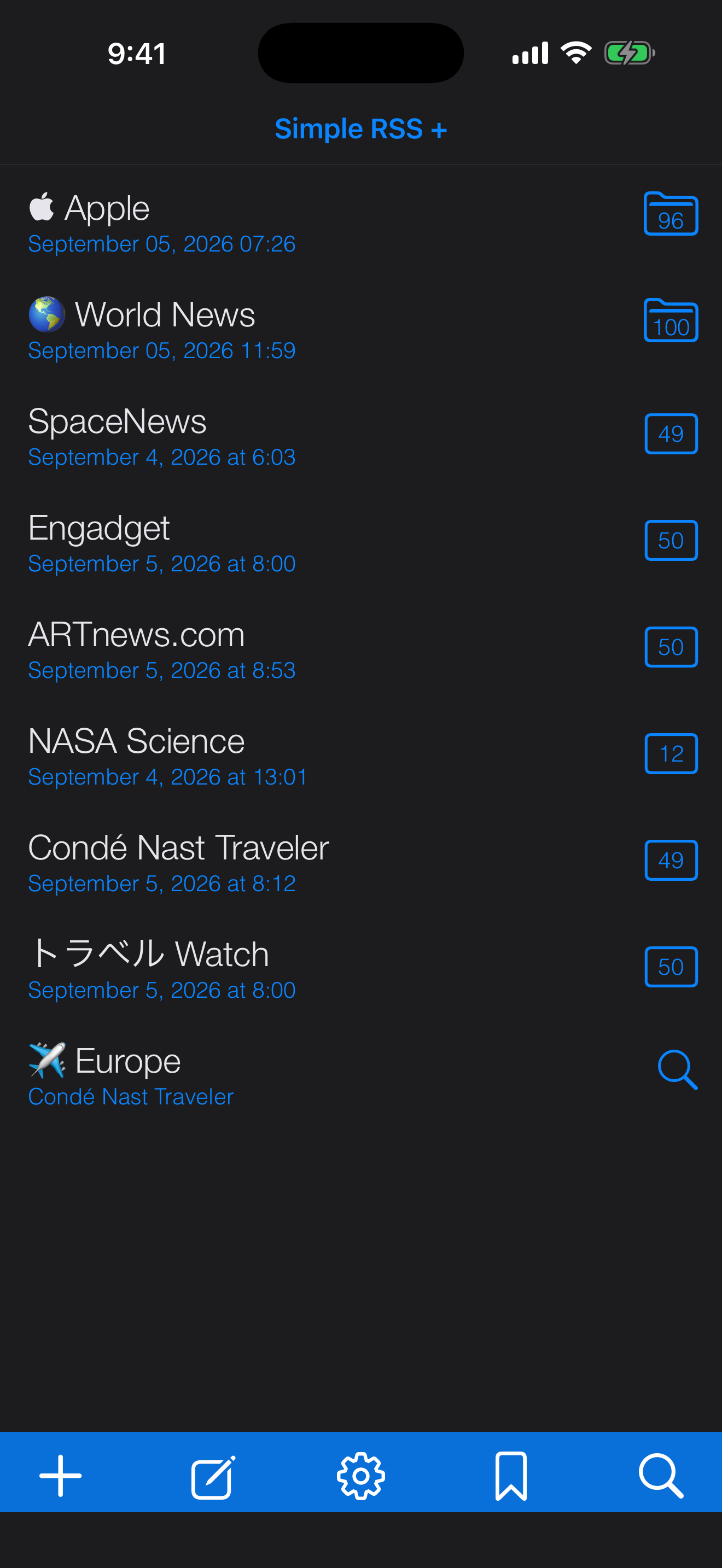
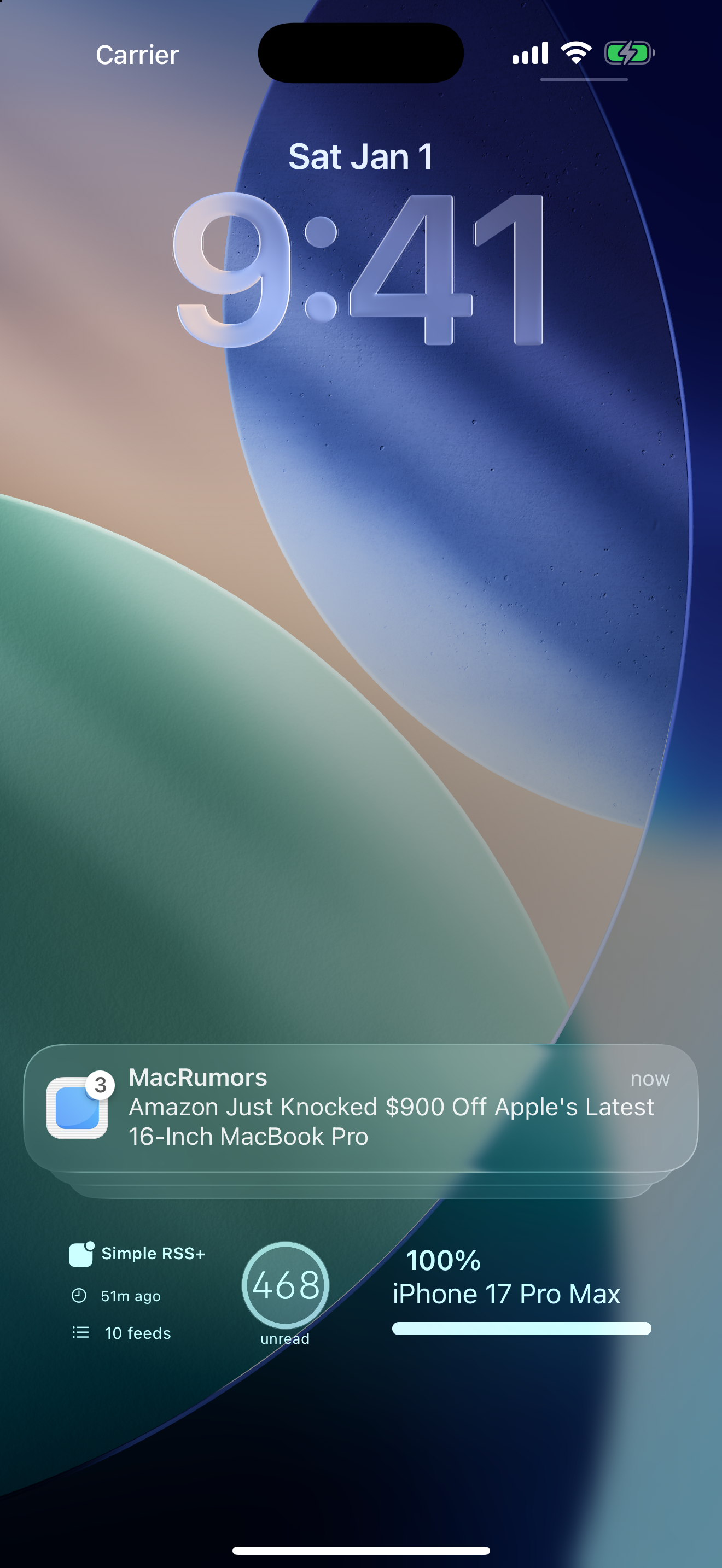
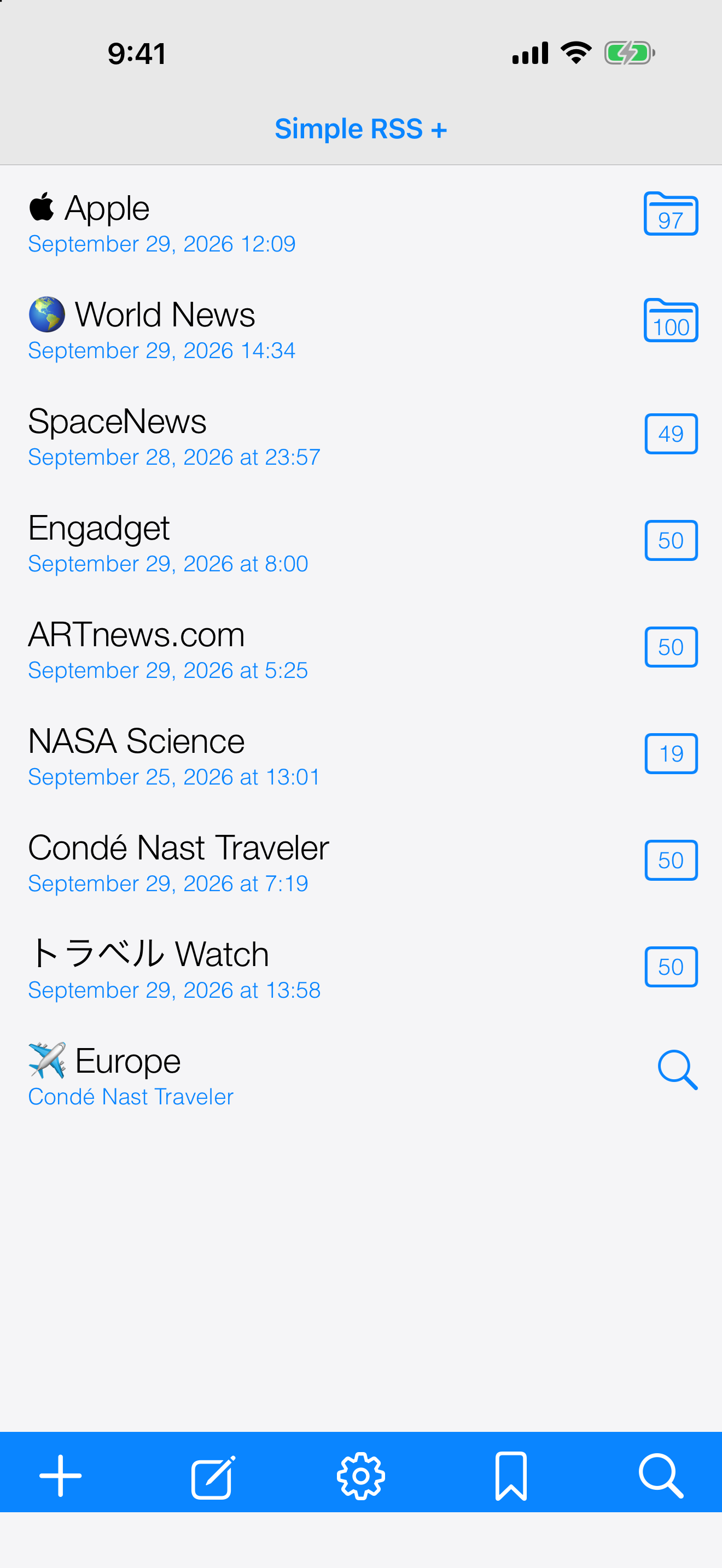
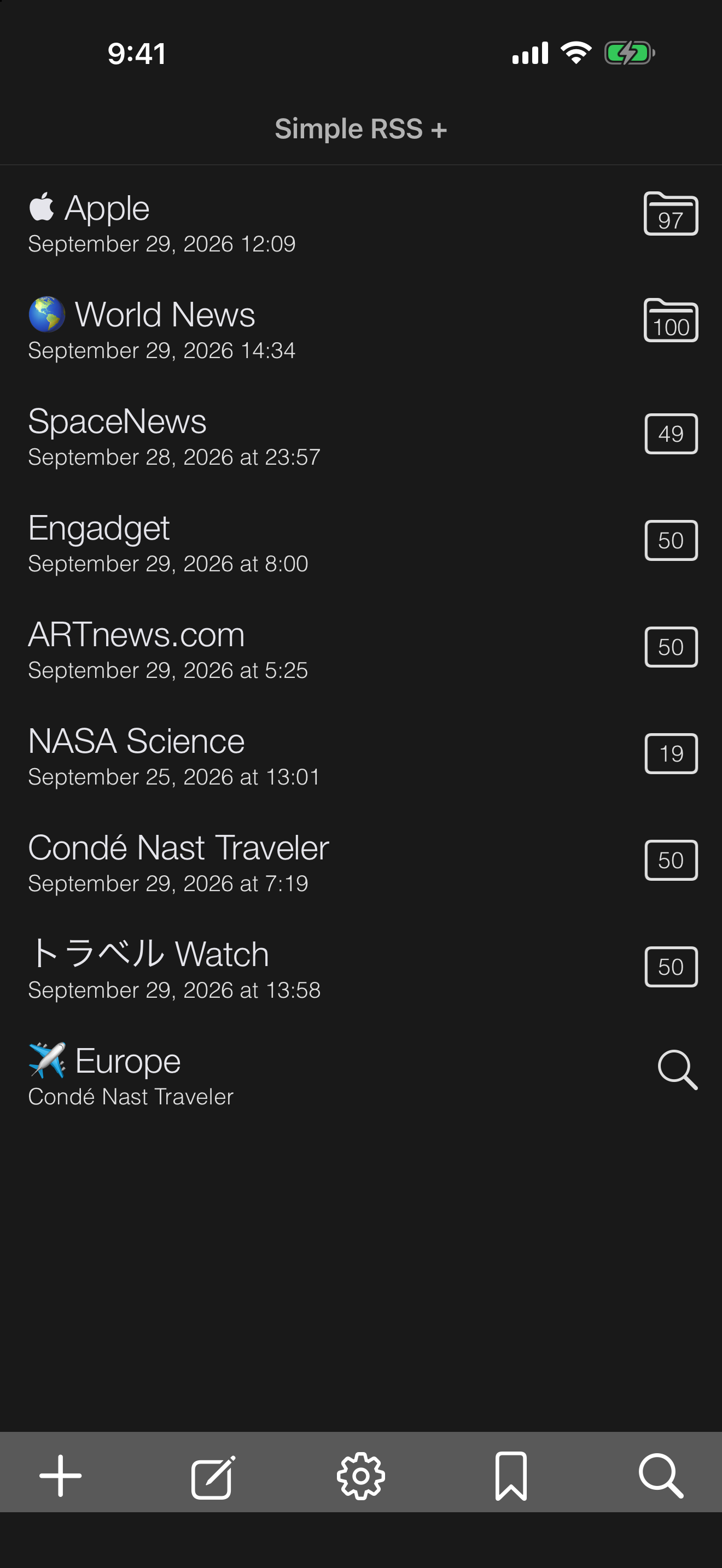
Push Notification + Feed List
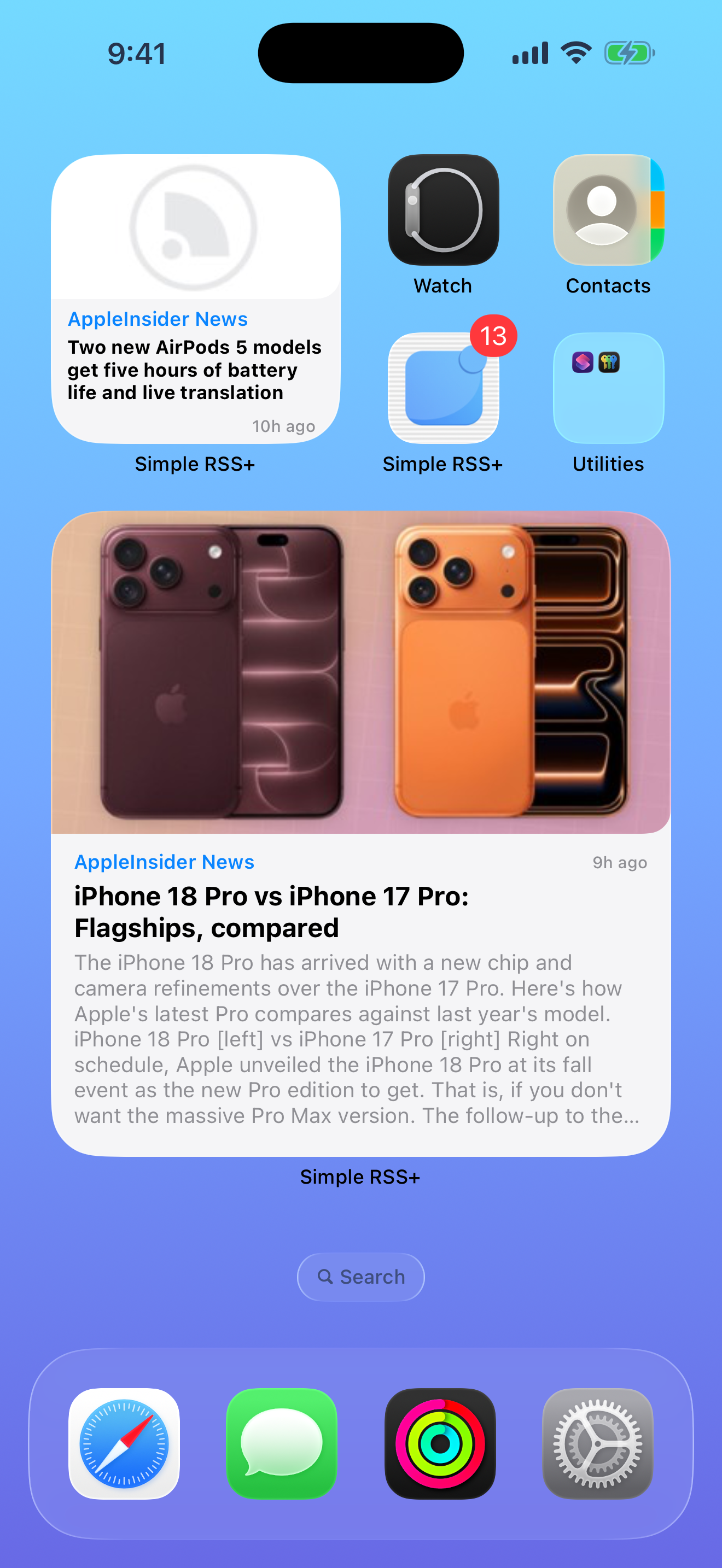
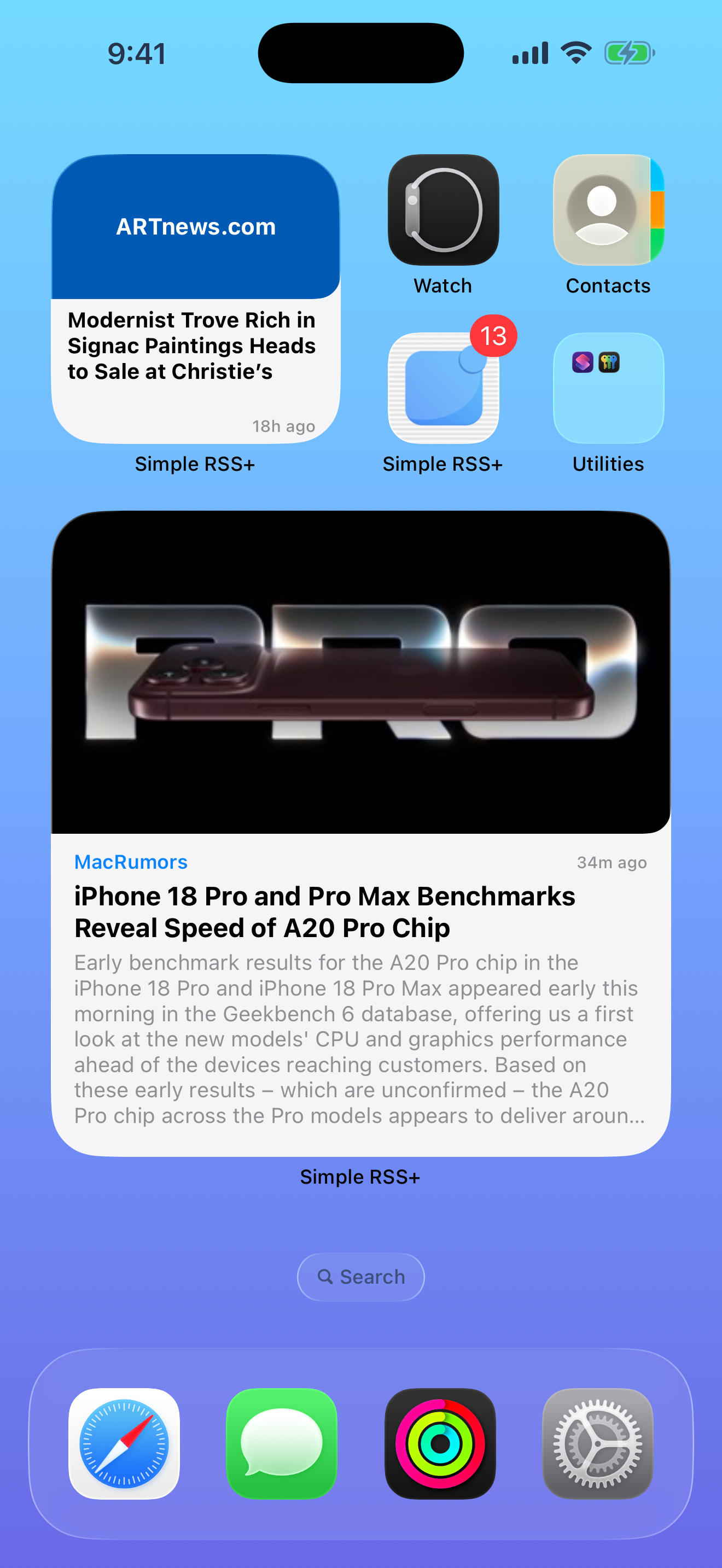
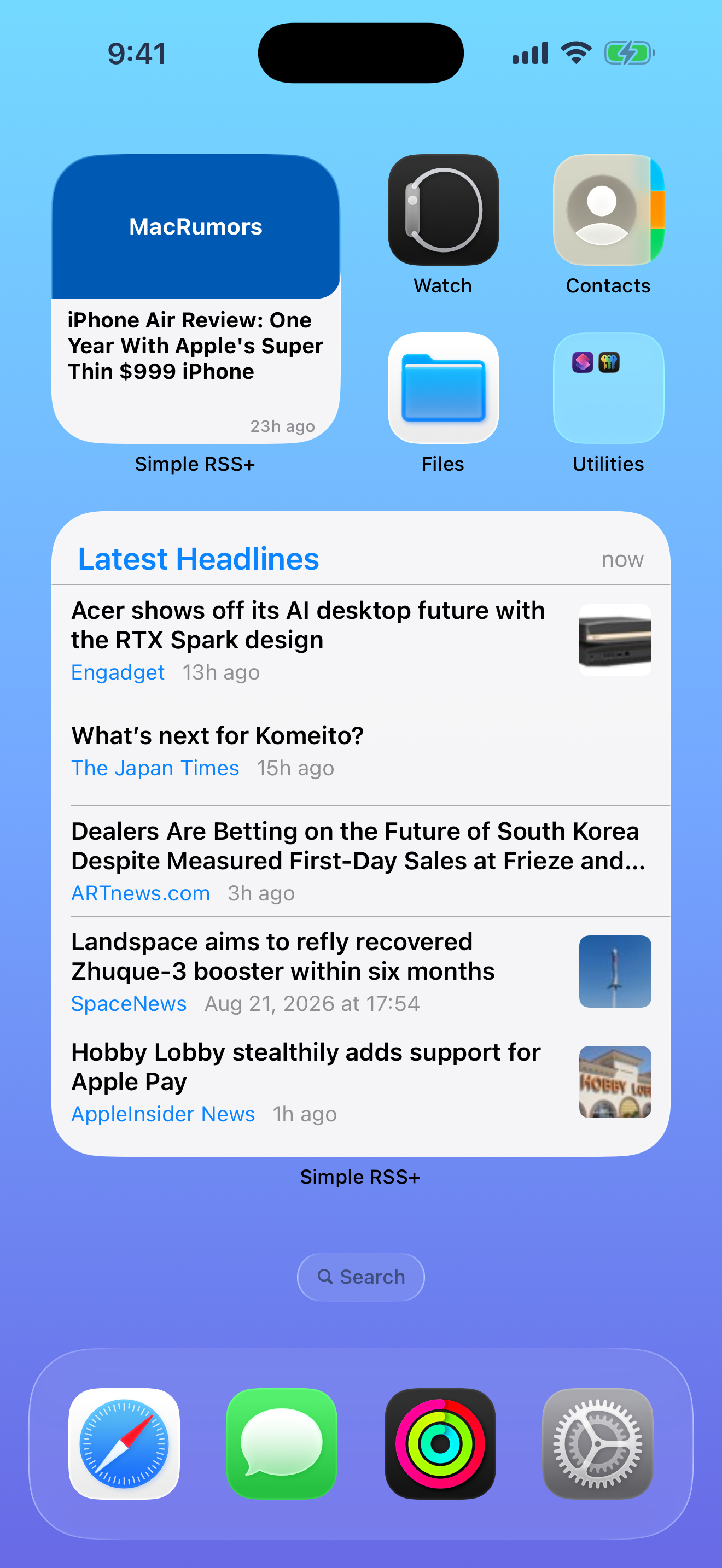
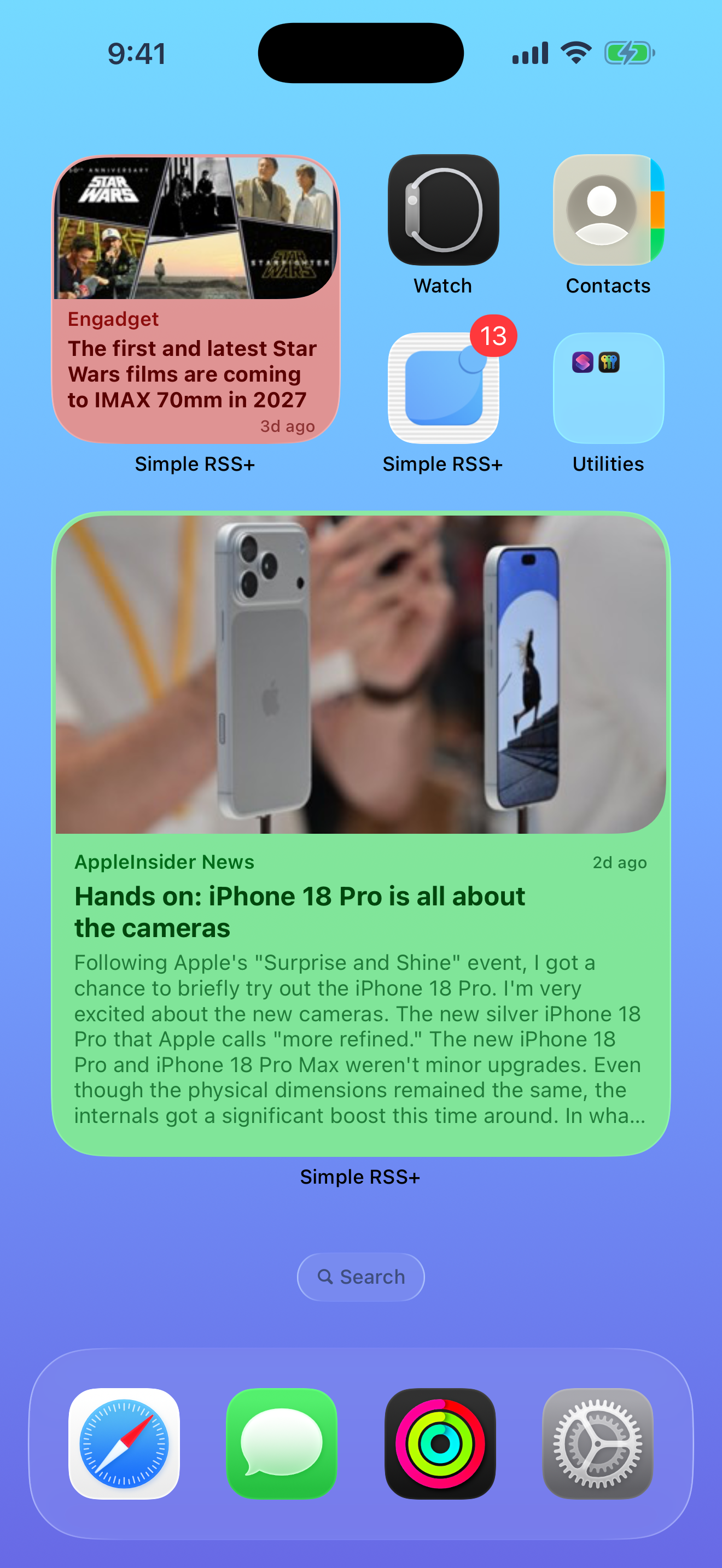
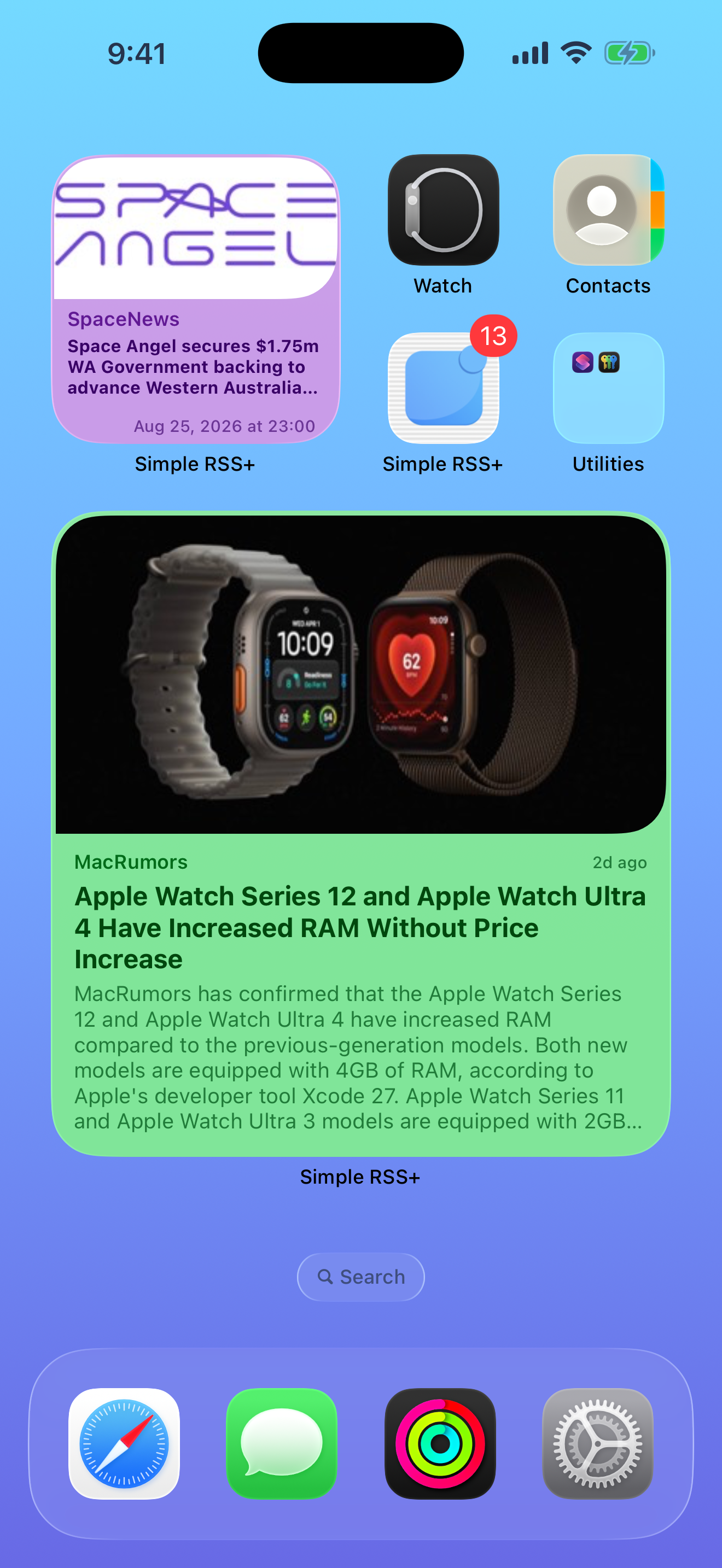
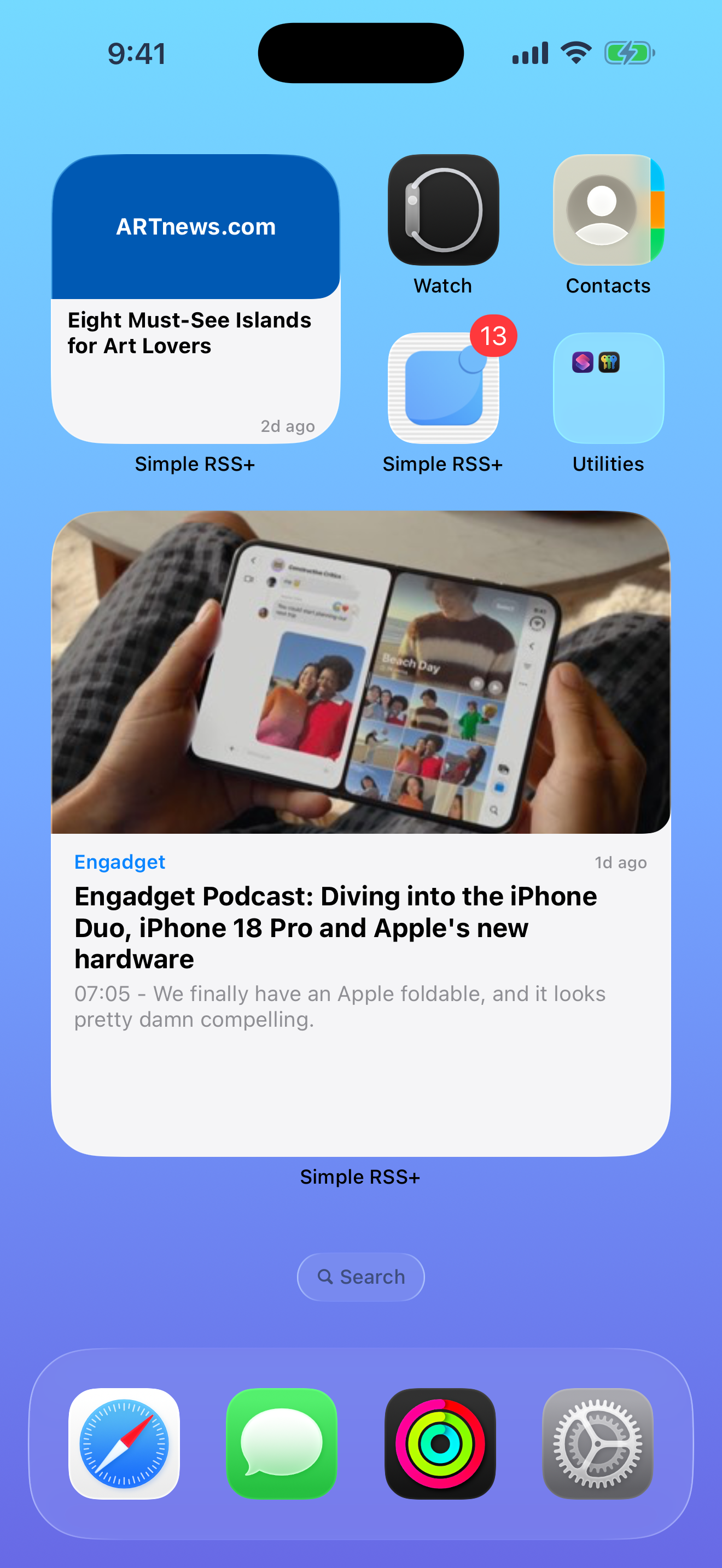
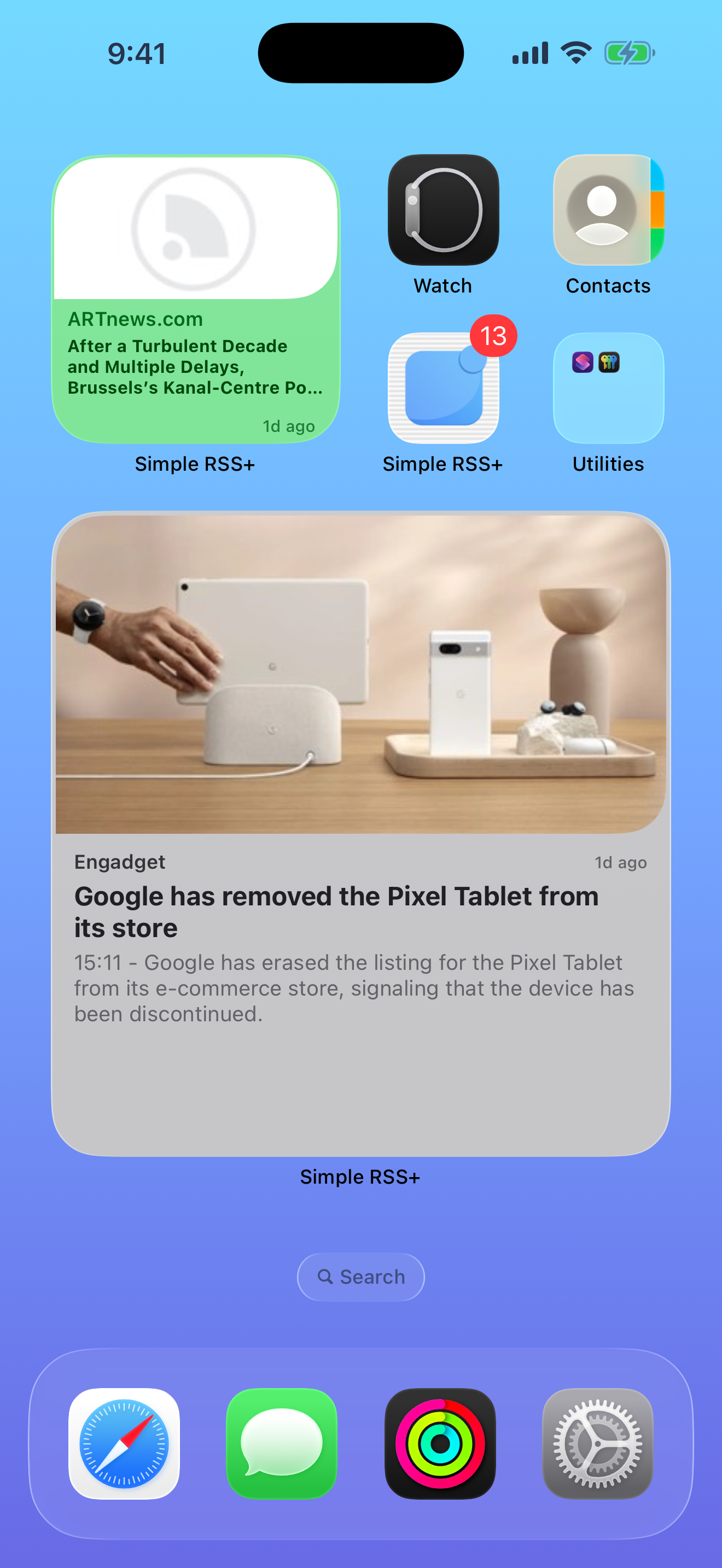
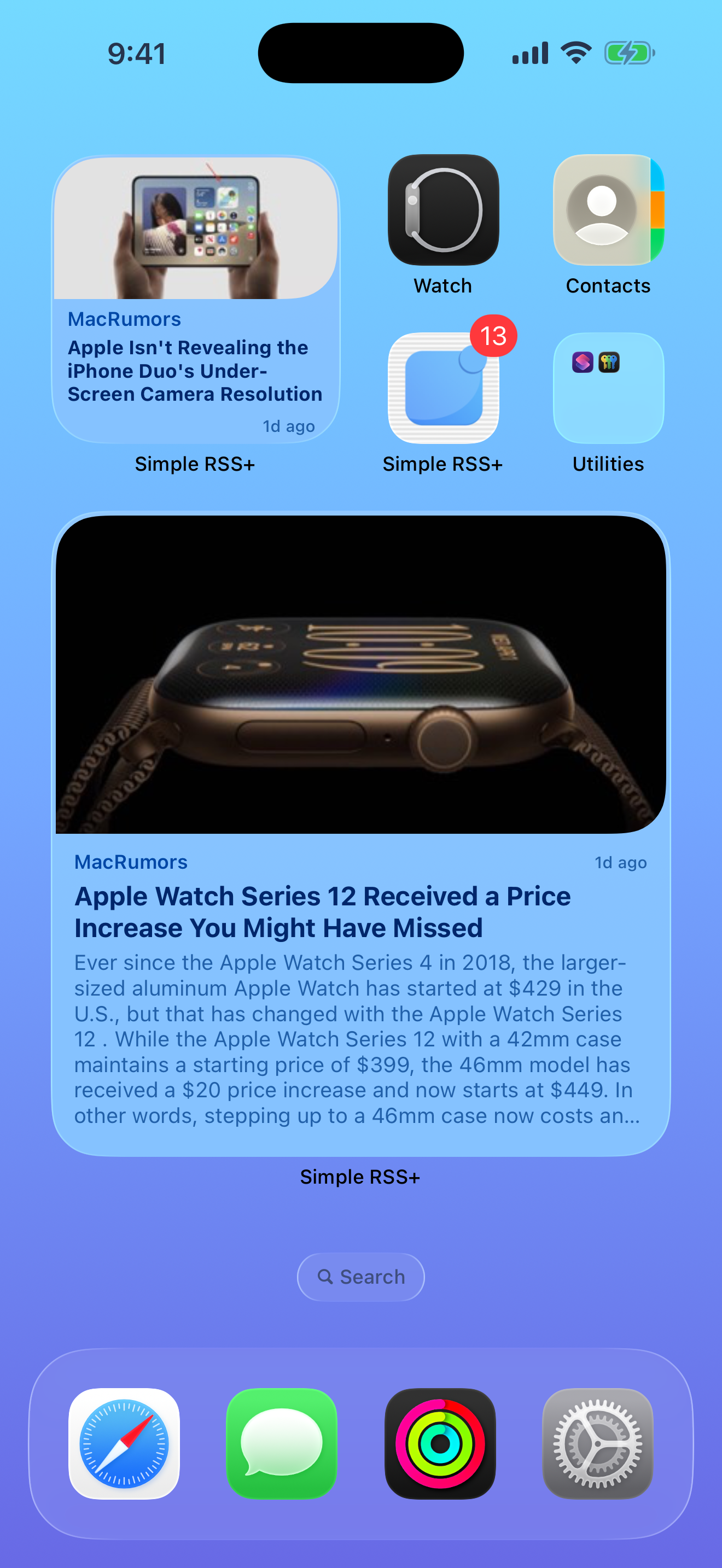
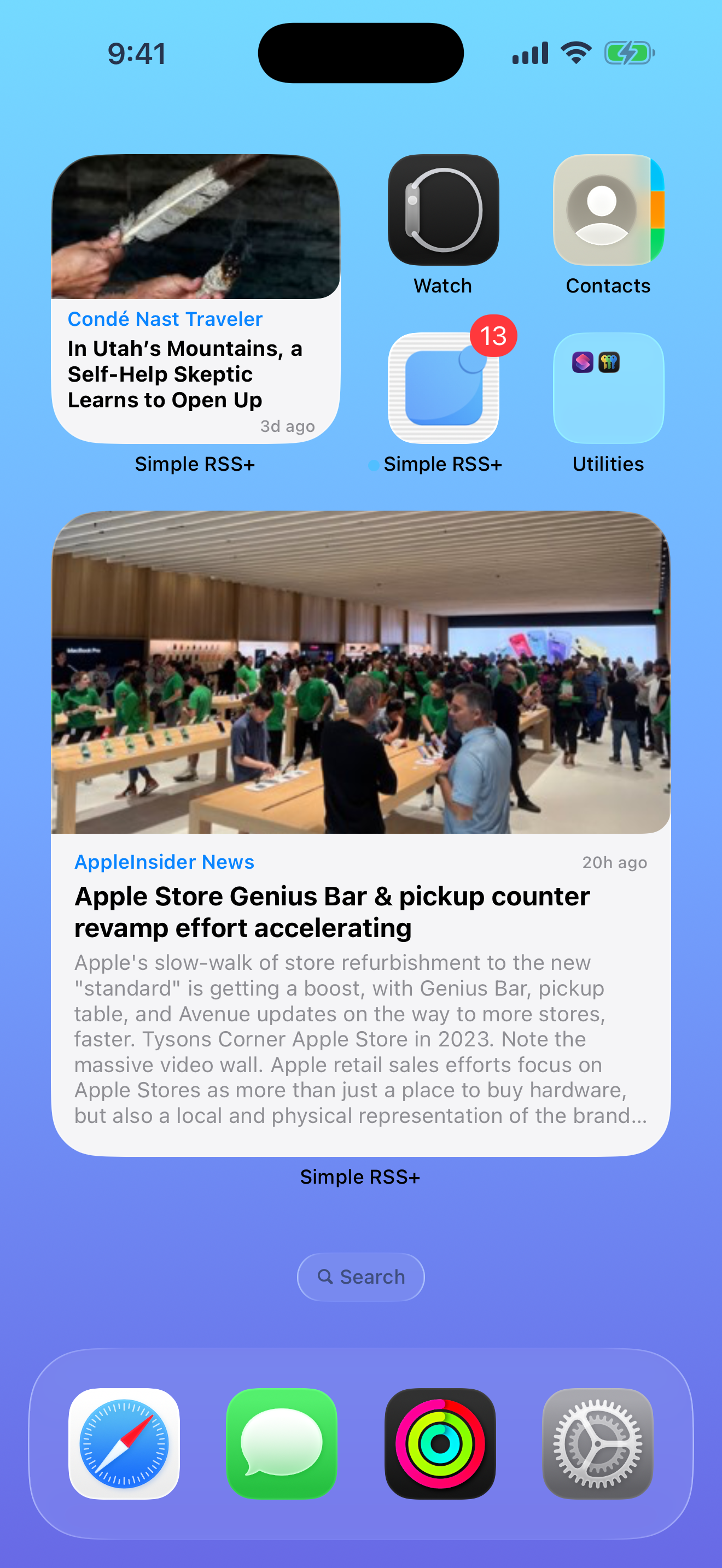
Home Screen Widget
What's New

All New in 2026

Simple RSS+ has been completely renewed — with a redesigned interface, full light and dark mode support, multiple handcrafted themes, a reimagined reading experience, powerful new widgets with deep customization, and upgraded server infrastructure delivering faster, more reliable push notifications than ever.
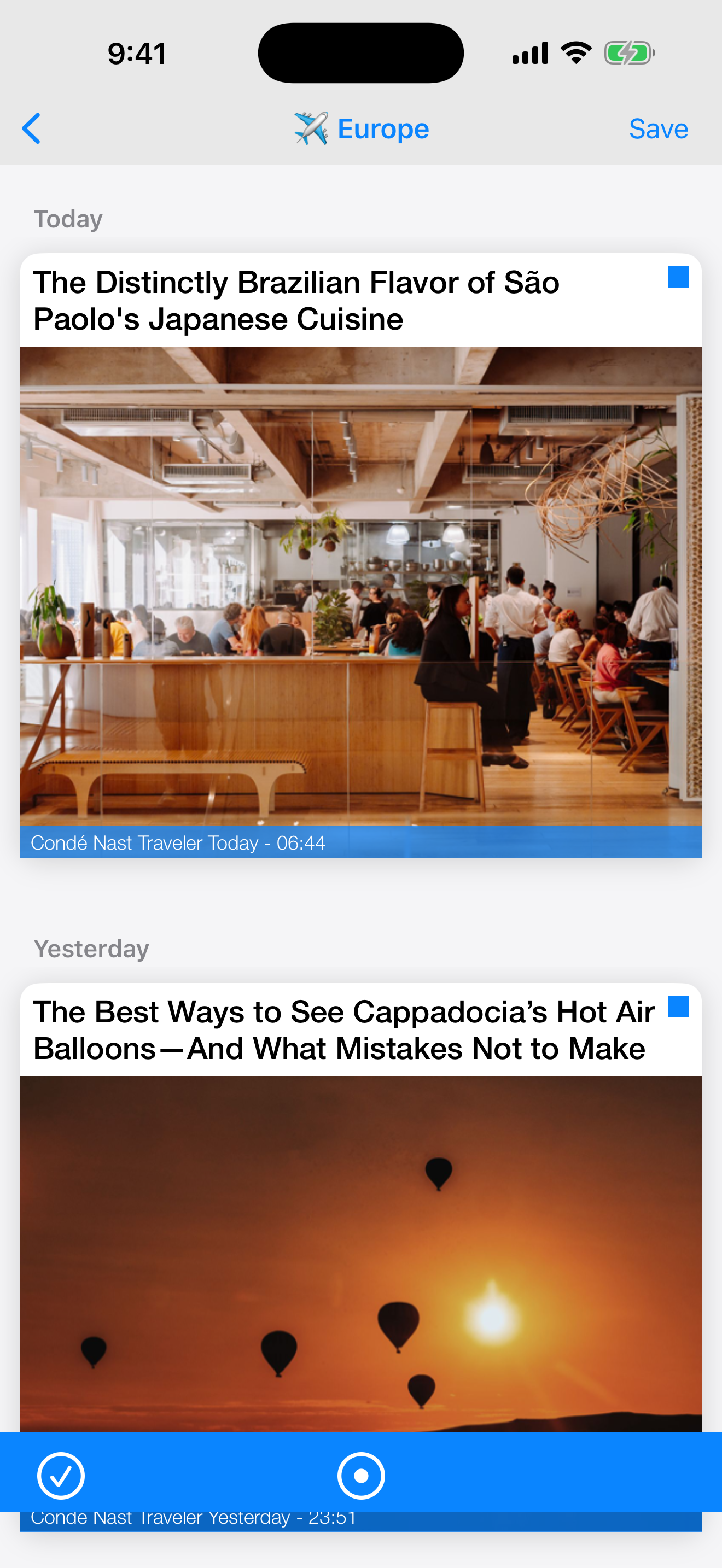
Light & Dark Mode

System-aware or manual. Every pixel adapted.

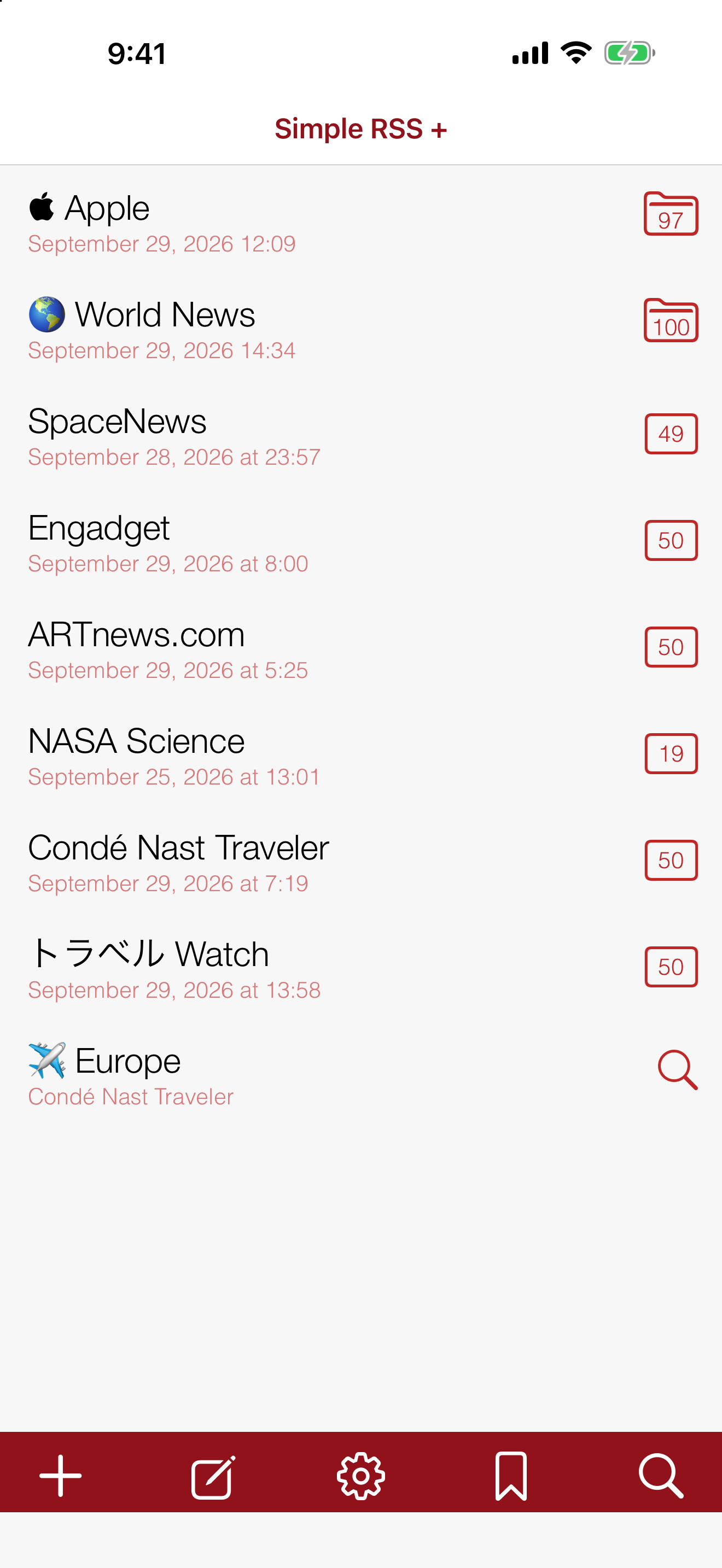
Aqua Light / Aqua Dark

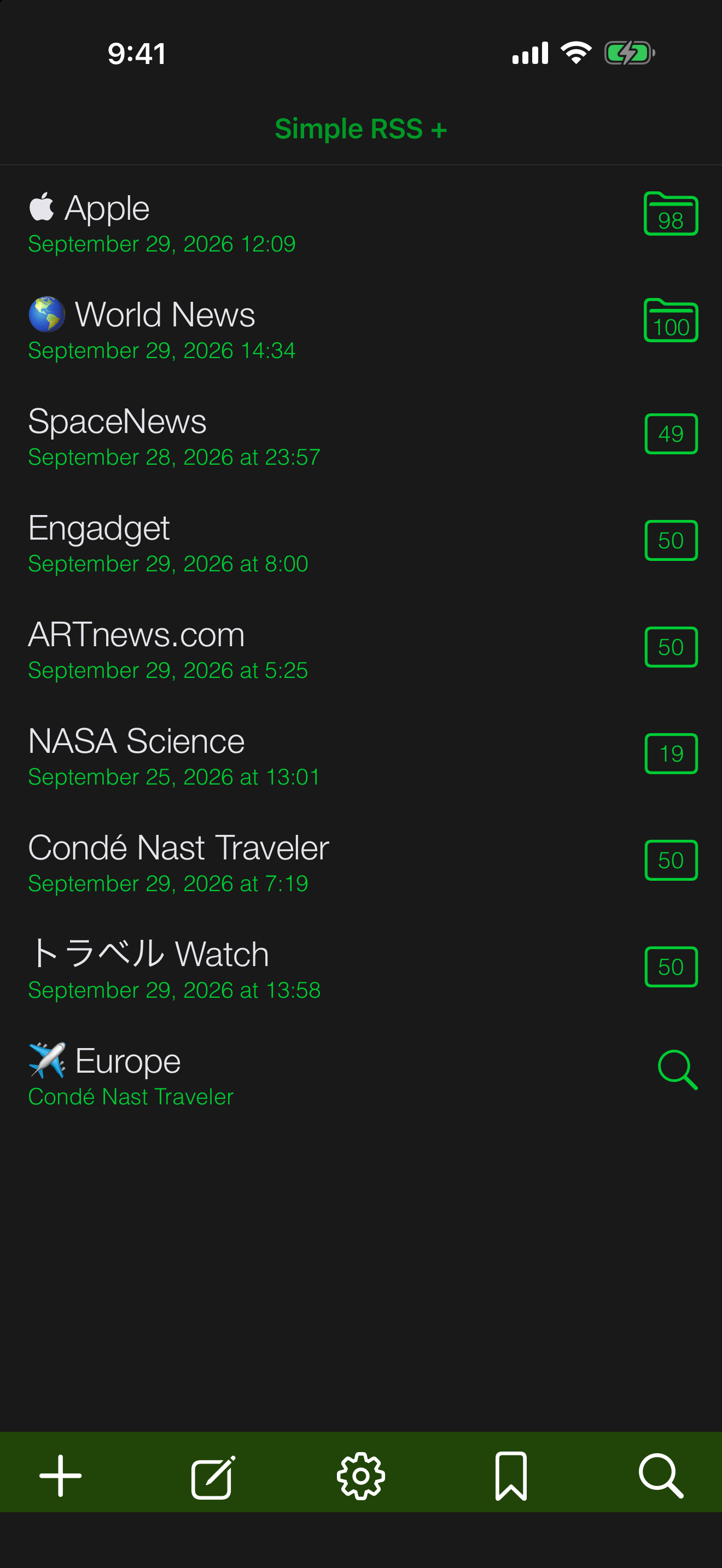
3 Themes, 5 Icons

Aqua, Terminal, Classic. Five alternate app icons to match.

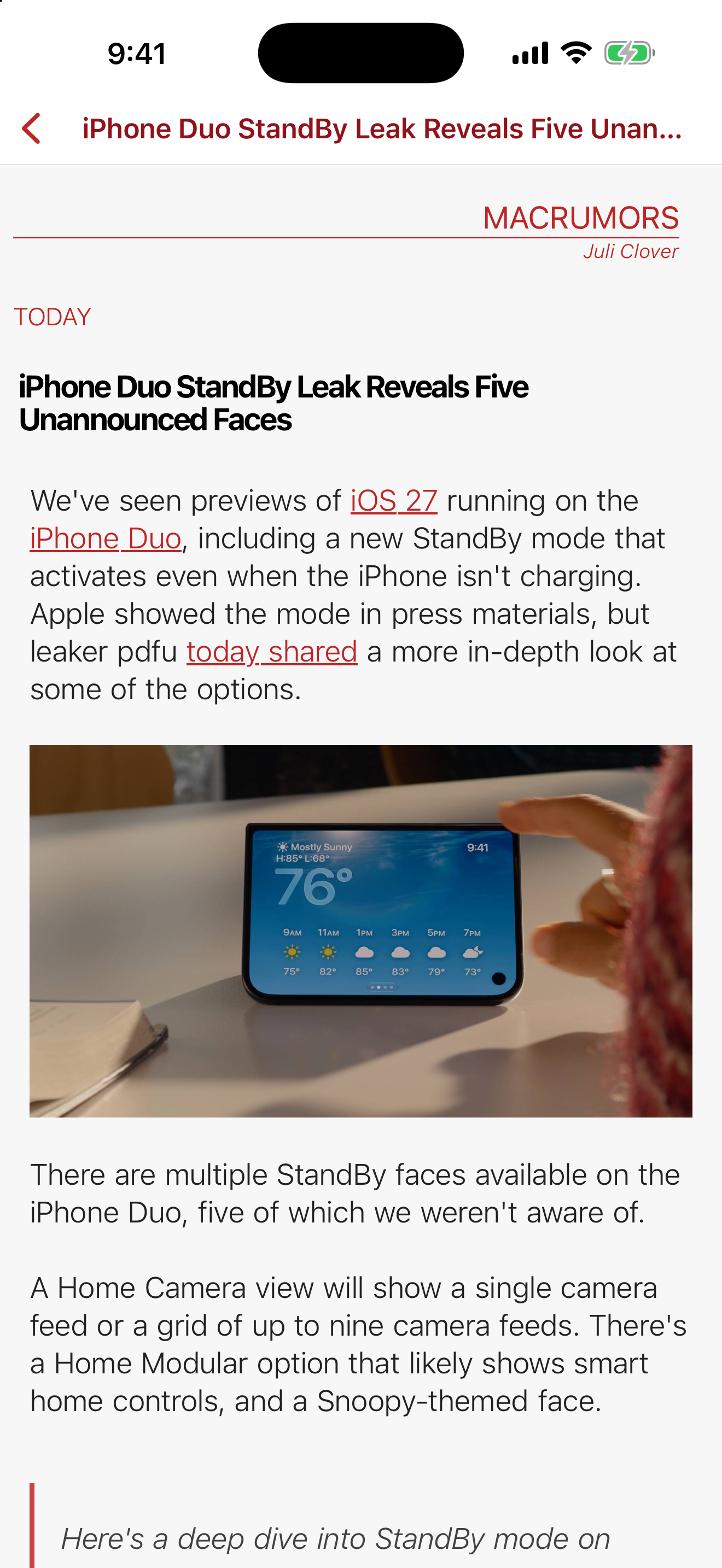
Theme Selector

Redesigned Interface

Cleaner layouts, smoother navigation, refined typography throughout.

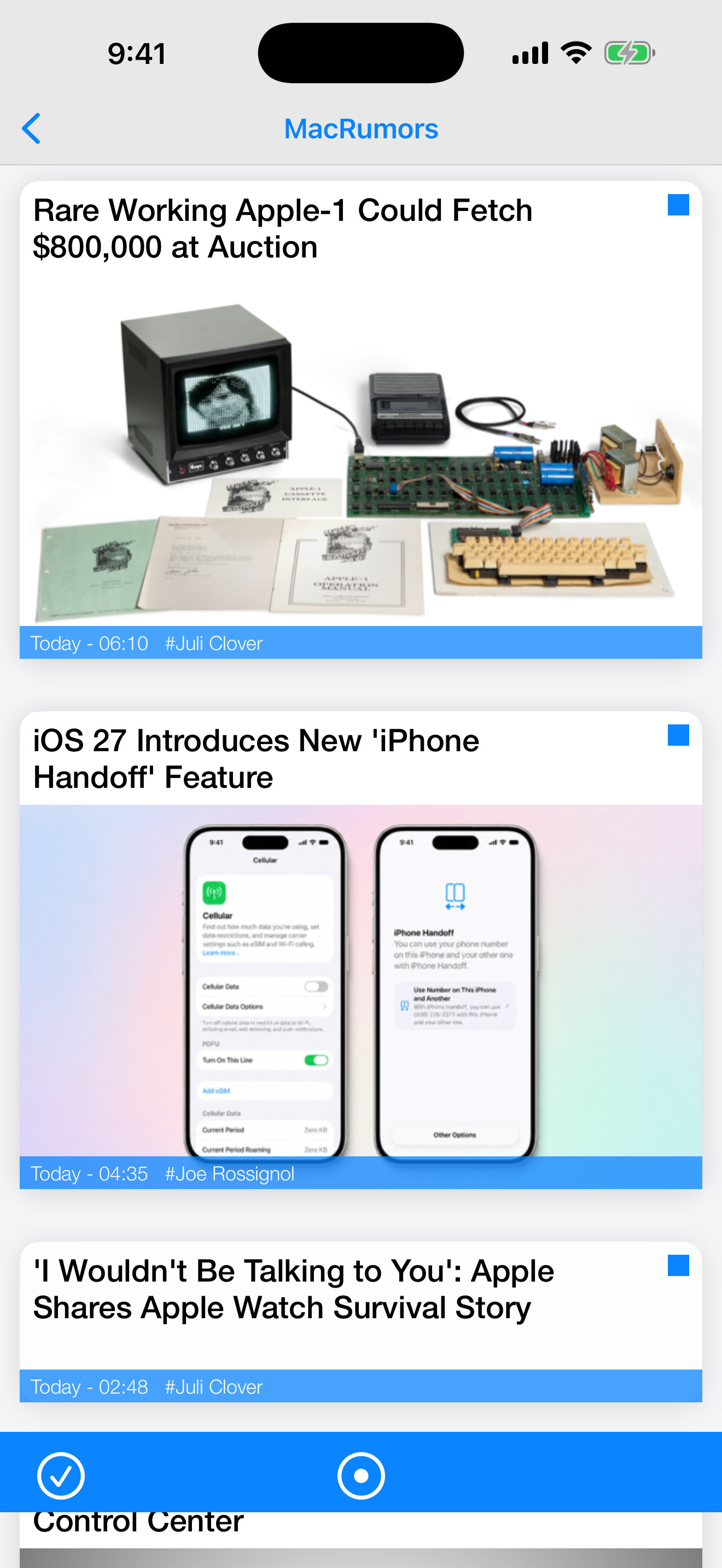
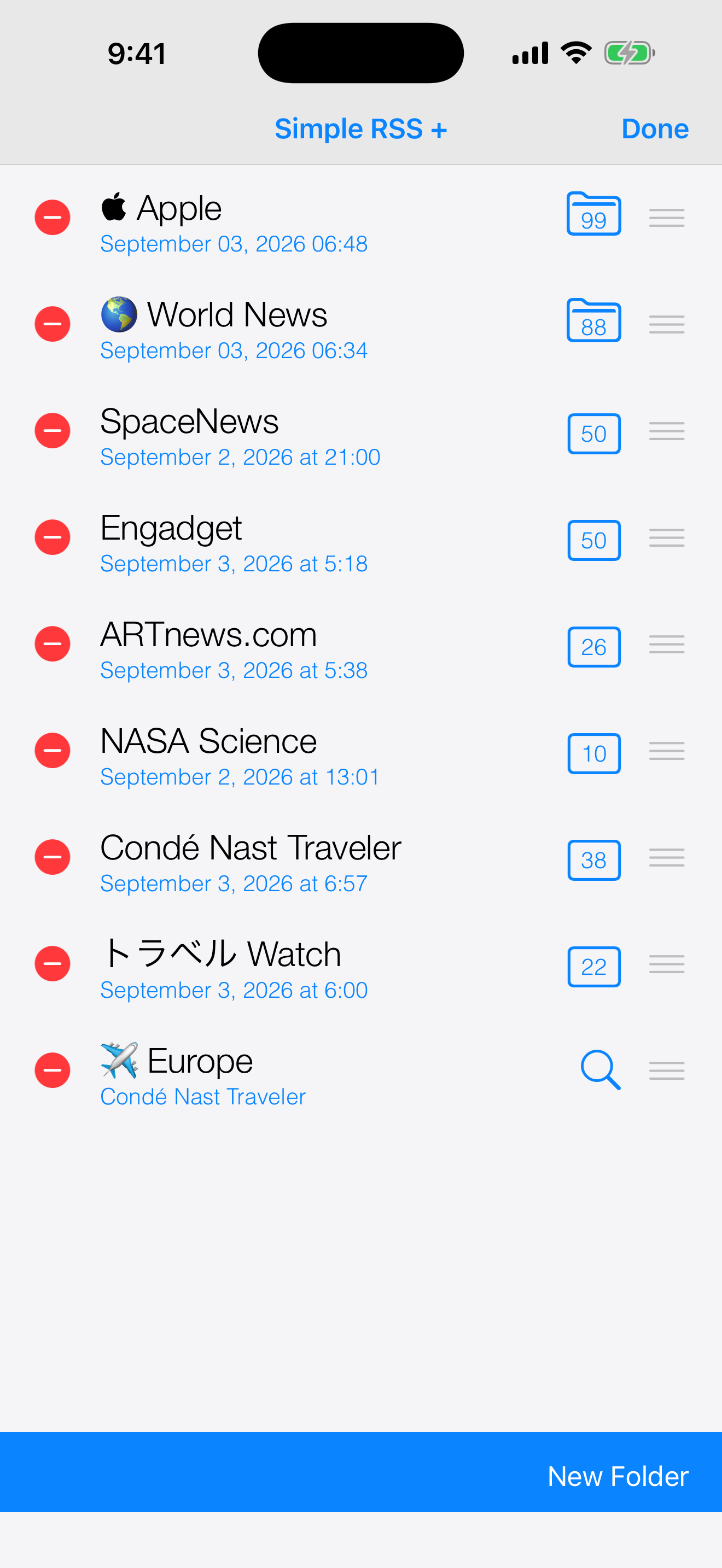
Feed List — Redesigned

Powerful Widgets

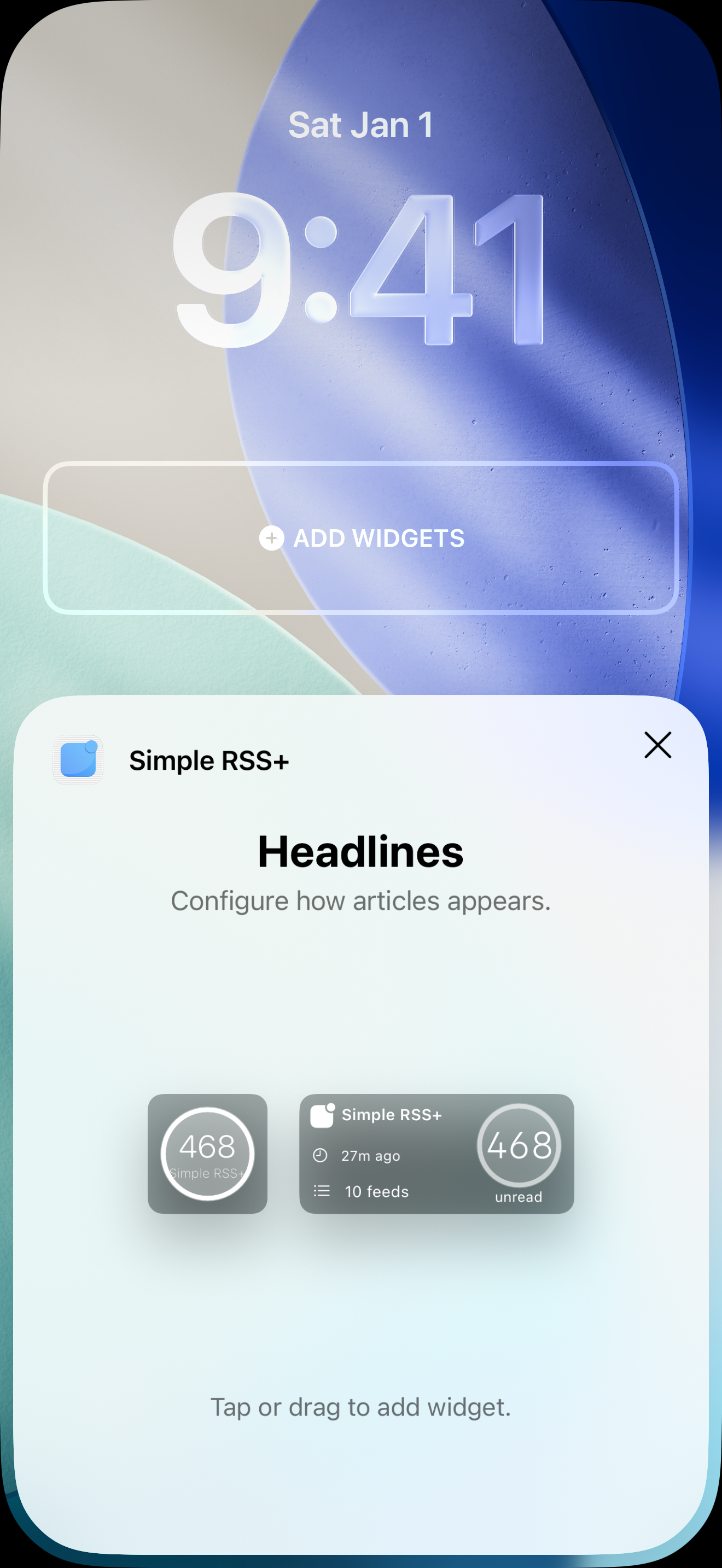
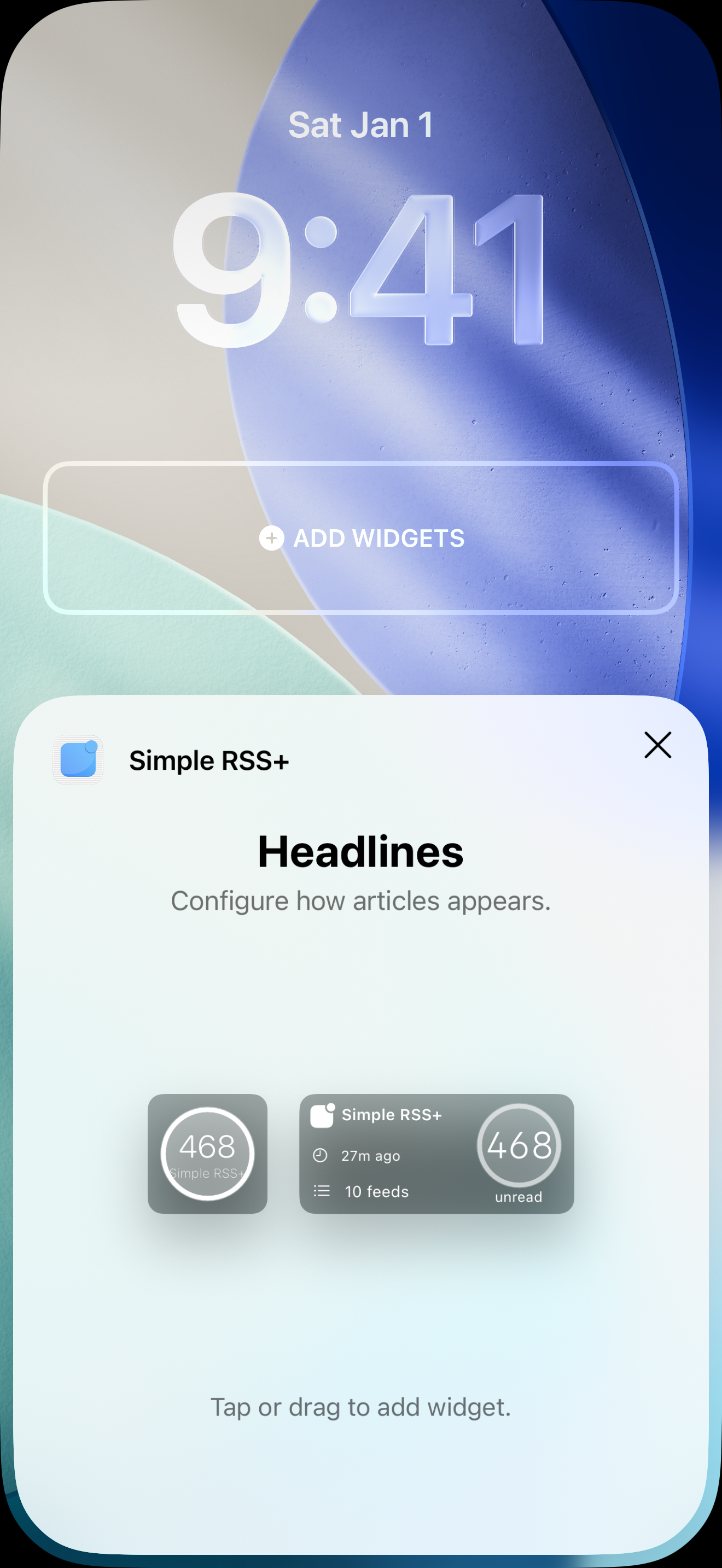
New sizes, 8 background colors, Spotlight mode, Lock Screen support.

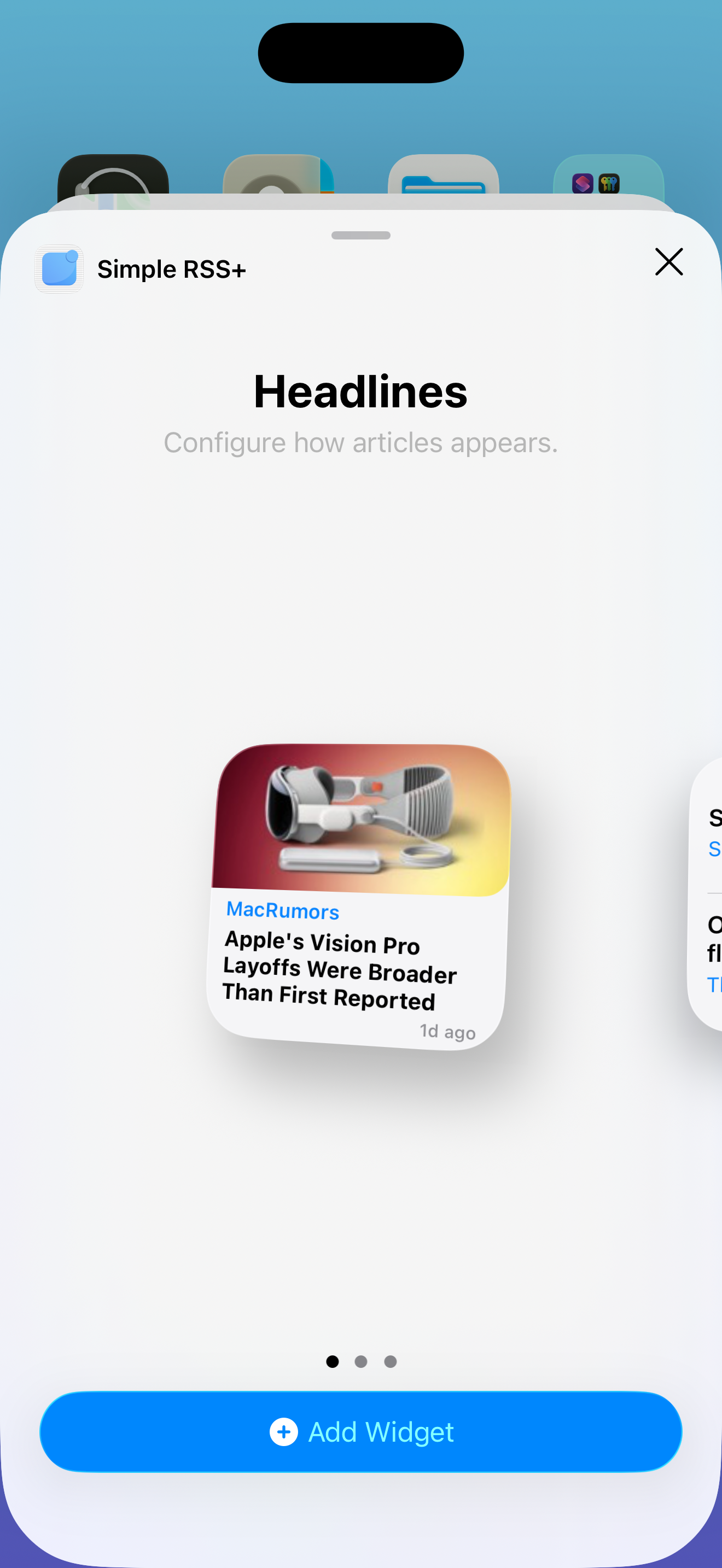
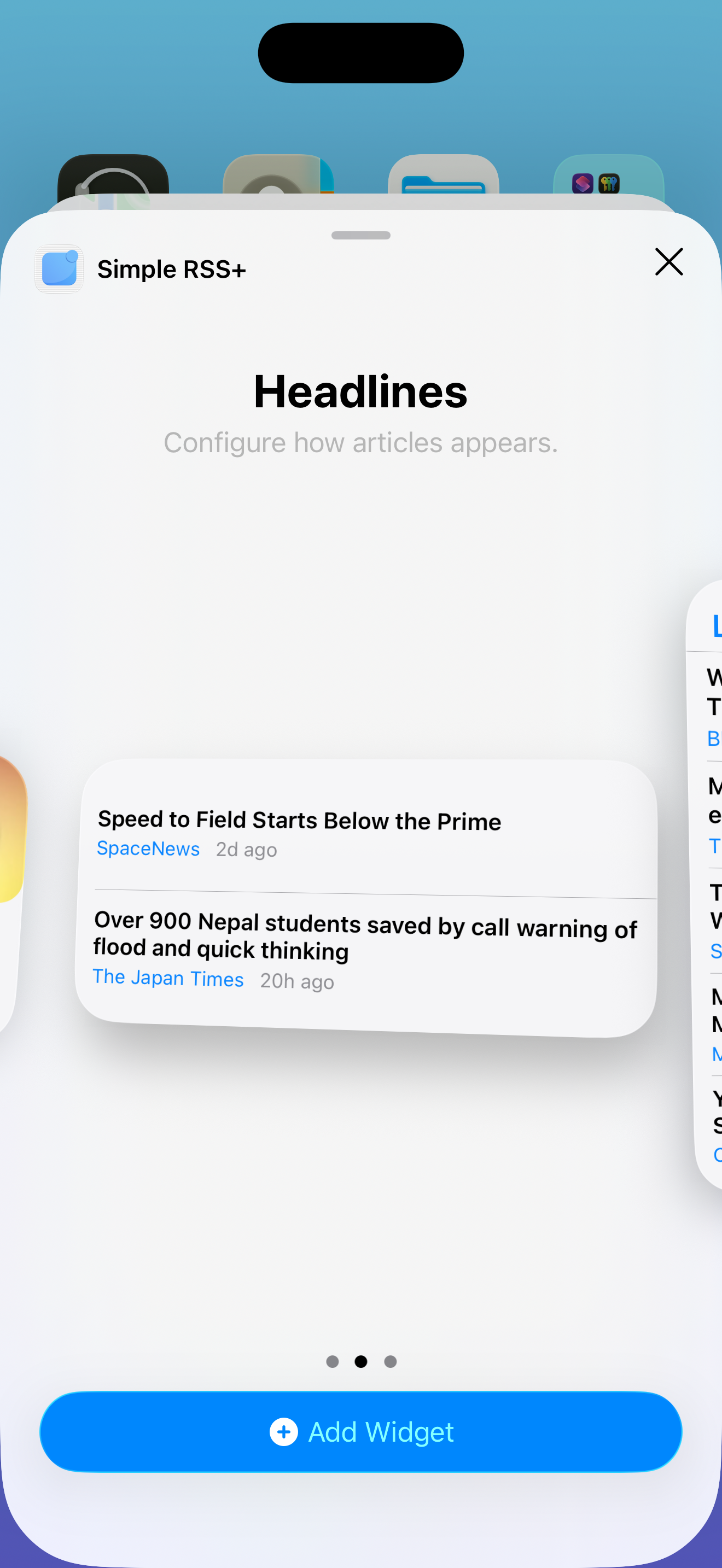
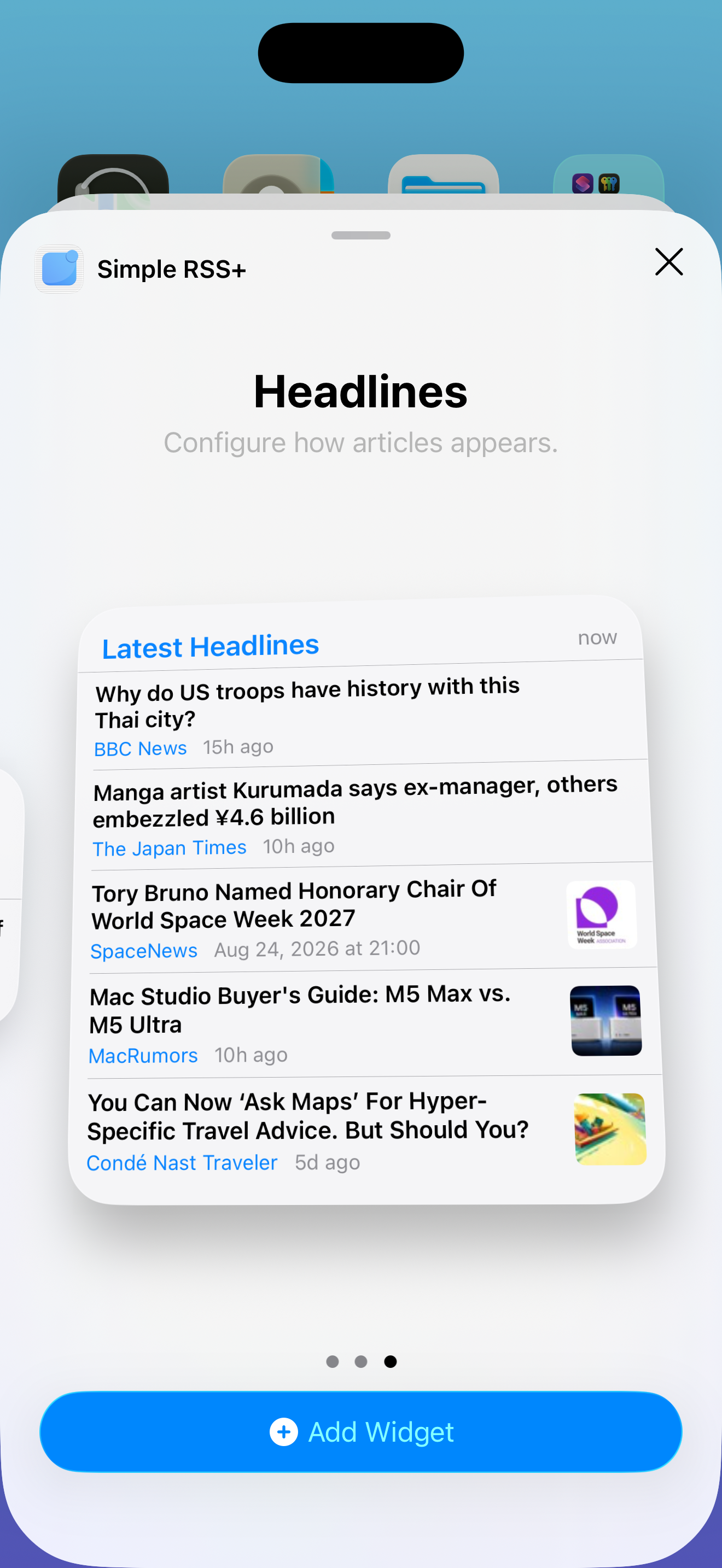
Widget Gallery

Upgraded Server

Faster feed scanning, lower latency push delivery. Monitored 24/7.

Server Infrastructure

Deeper Customization

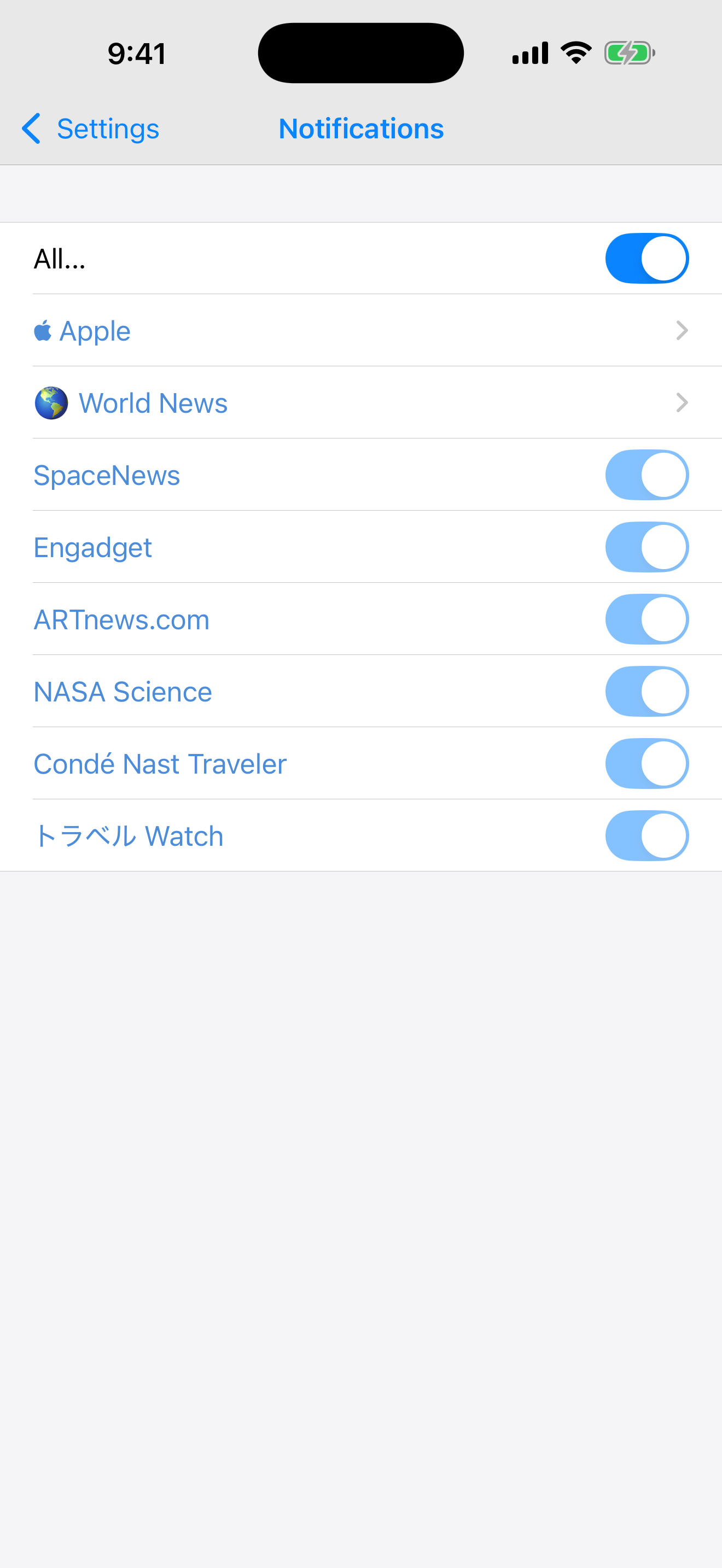
Per-feed notification control, saved searches in widgets, font size options everywhere.

Customization Options

Not Background Refresh.
Real Push.

Most RSS apps check for updates when iOS allows it — maybe once an hour, maybe less. Simple RSS+ is different. Our servers monitor your feeds 24/7 and push notifications to your device the moment new content is published. The app doesn't even need to be open.

You Subscribe

Add any RSS or Atom feed to Simple RSS+.

Our Servers Watch

We monitor your feeds around the clock for new articles.

You Get Notified Instantly

A real push notification arrives on your device within moments of publication.

Other RSS Apps Simple RSS+
Background refresh — iOS decides when Server-side monitoring — instant delivery
Only works if the app ran recently Works even if the app hasn't been opened in days
Unreliable timing — minutes to hours late Real-time — articles arrive as they're published
Often requires a subscription One-time purchase — pay once, keep forever
Per-Feed Notification Settings
Push Notification Arriving

15 years of real-time RSS delivery. No other iOS RSS app does this.

Your Home Screen,
Supercharged

Why open an app when the news can come to you? Simple RSS+ widgets turn your Home Screen into a living newsroom.

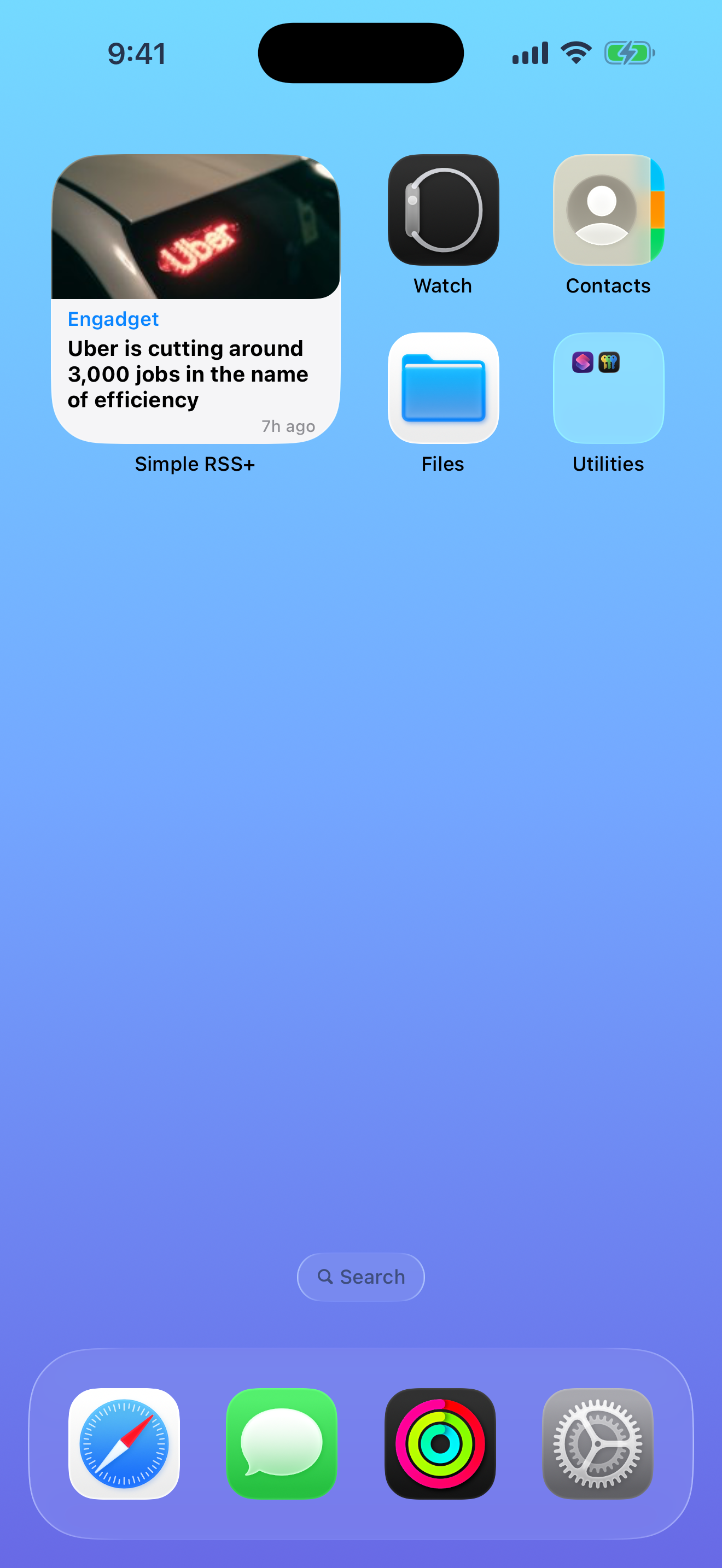
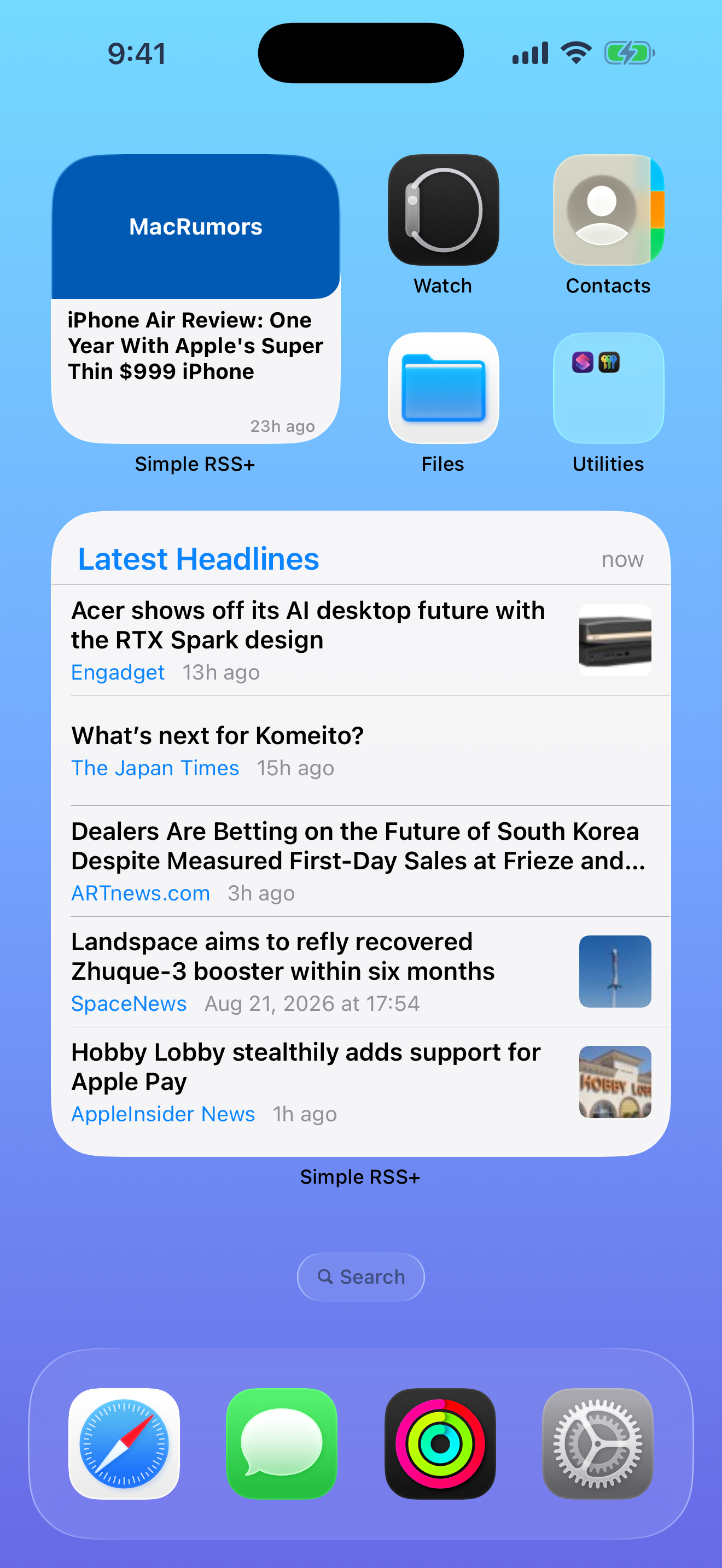
Headlines Mode

Clean list of latest articles with thumbnails. Scan the headlines at a glance without opening the app.

Small, Medium, Large, Extra Large

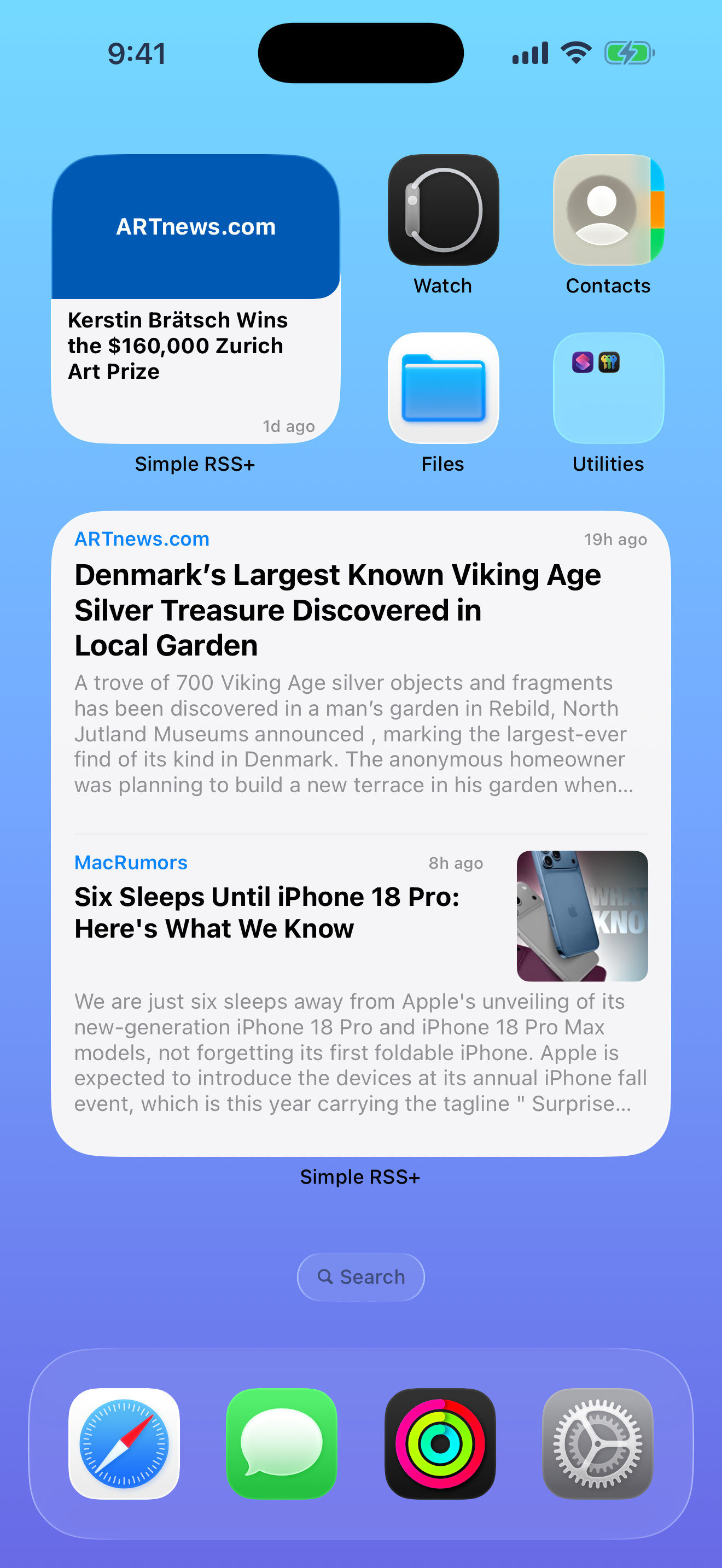
Spotlight Mode

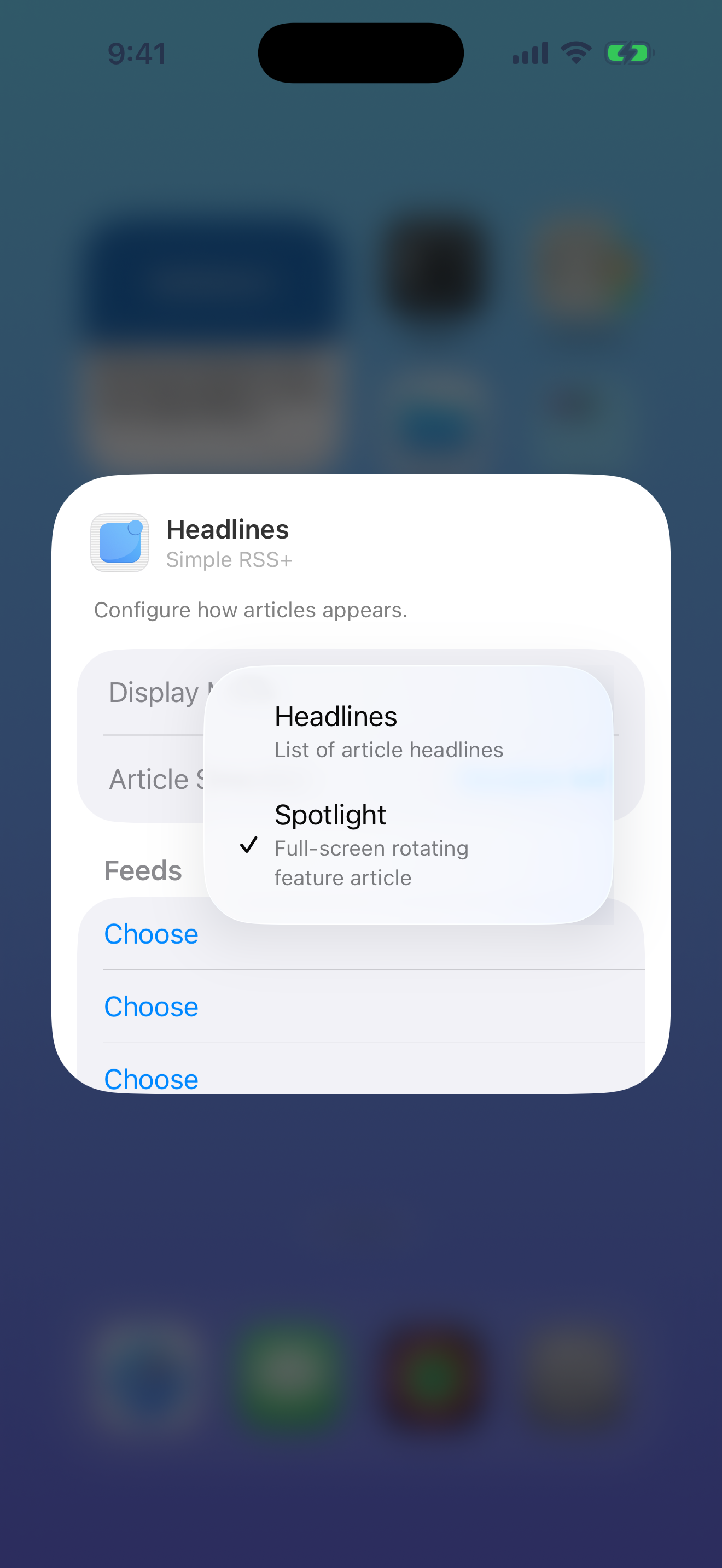
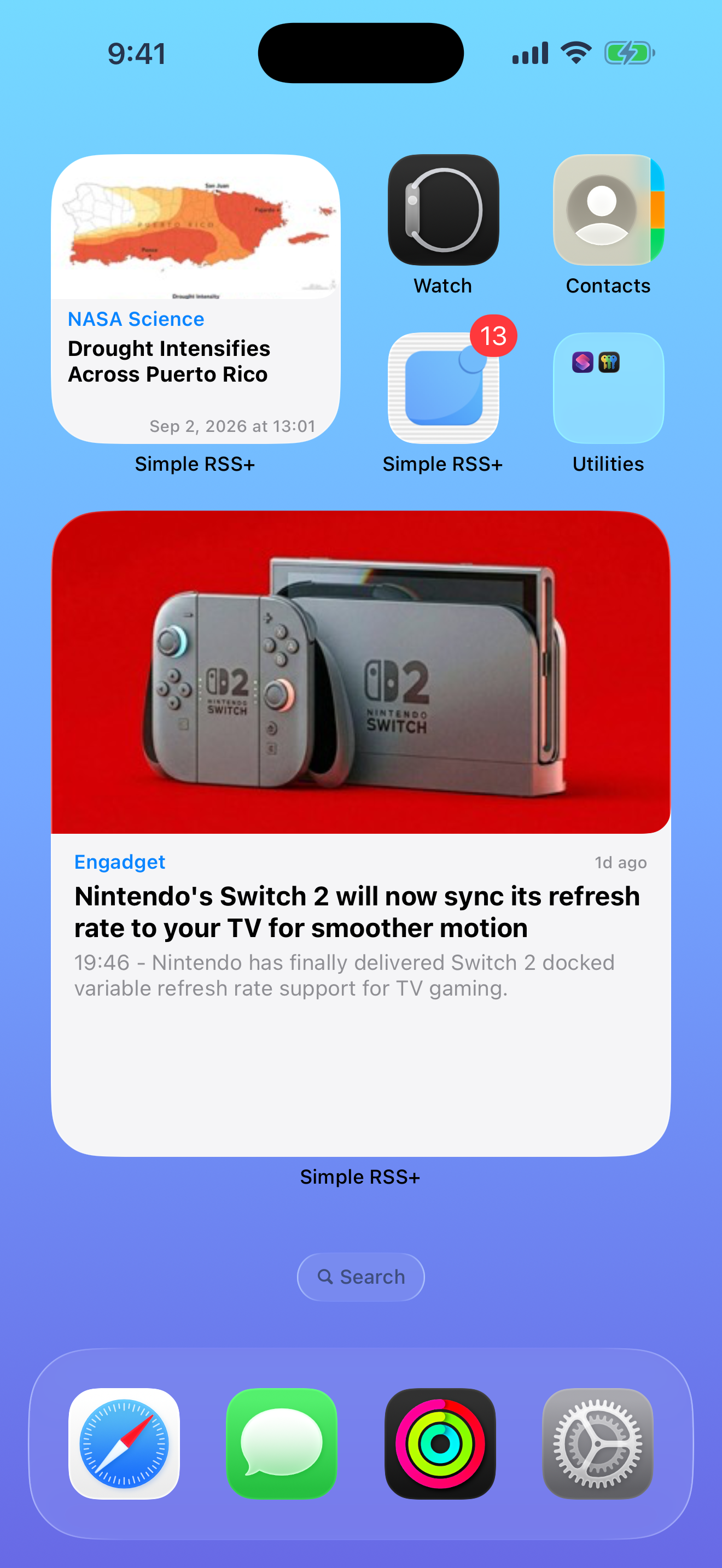
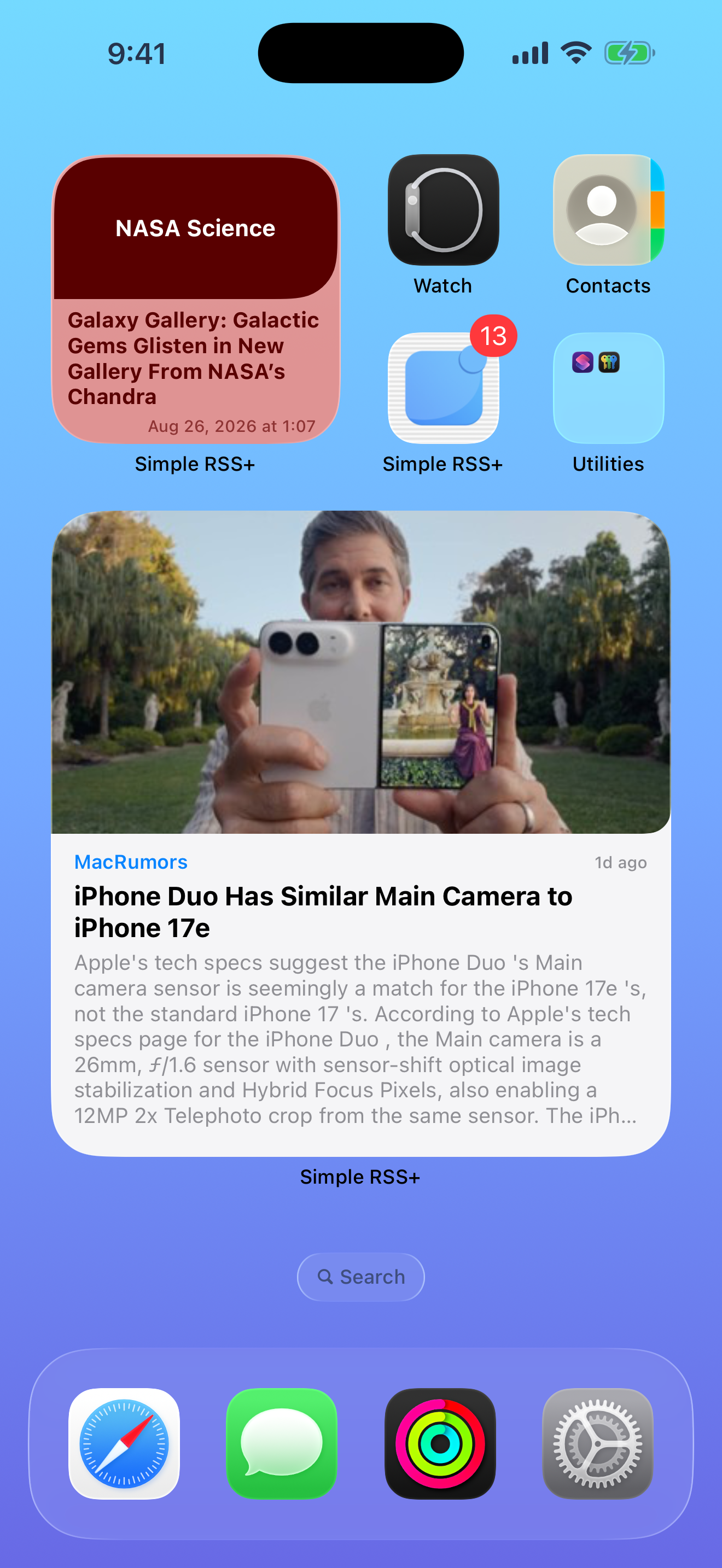
One stunning article front and center. Hero image rotates every 90 seconds for fresh content on your screen.

Large, Extra Large
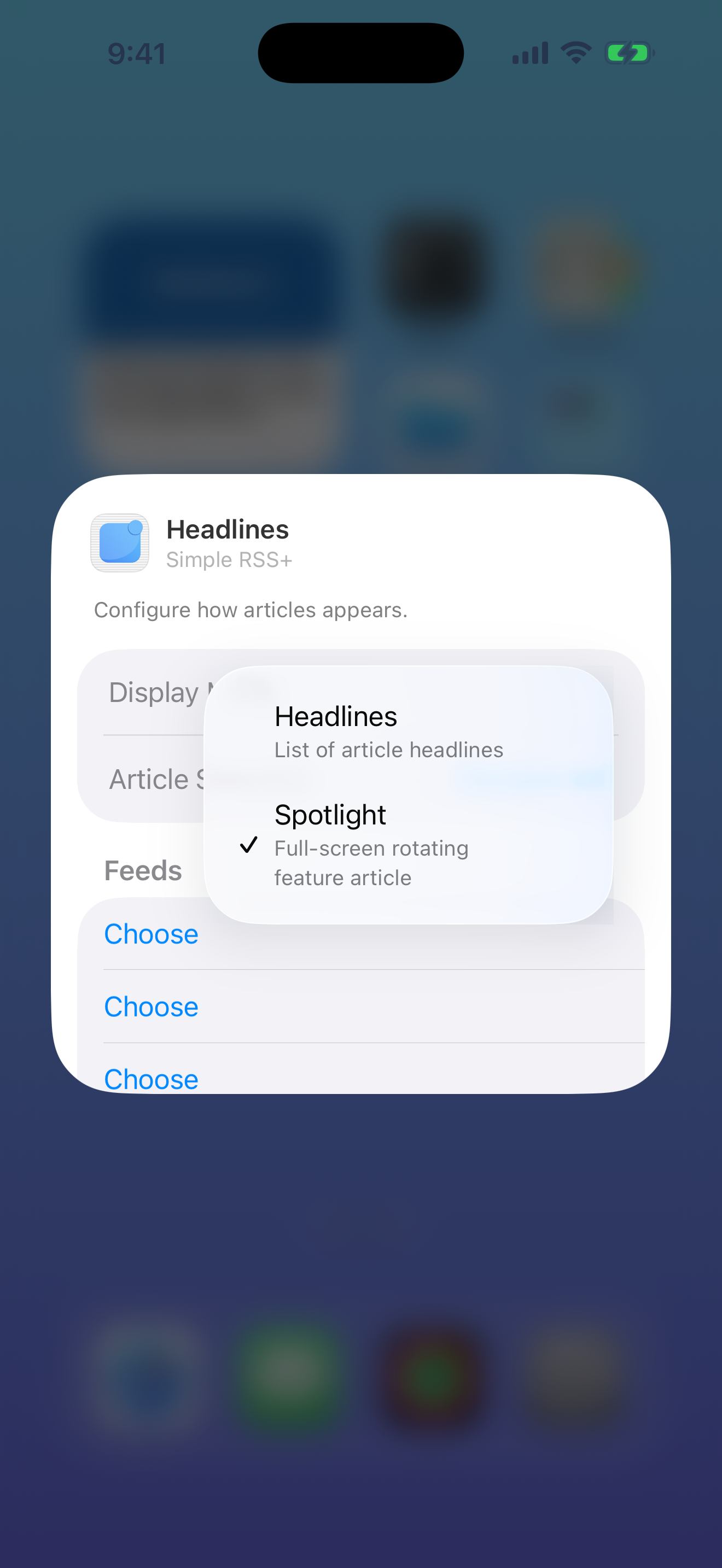
Option What It Does
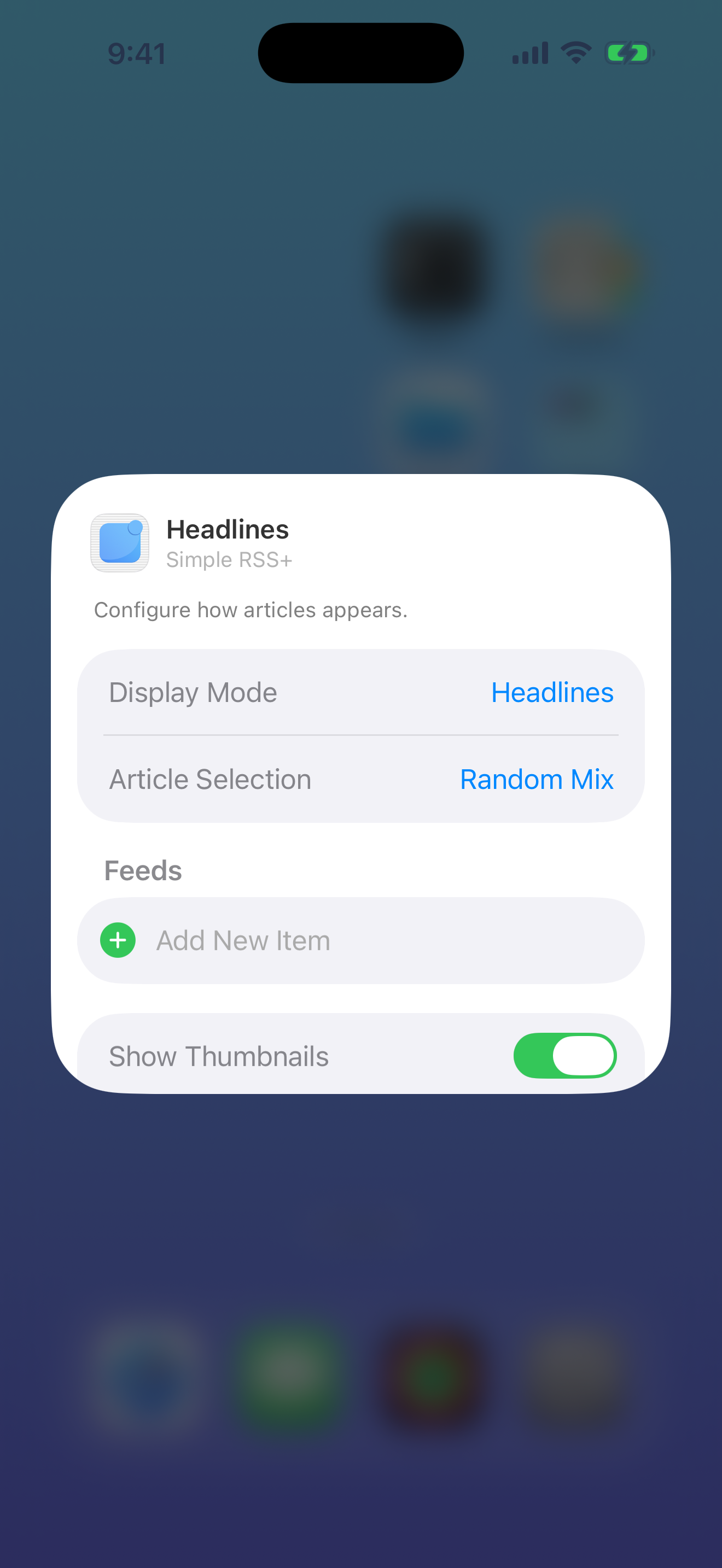
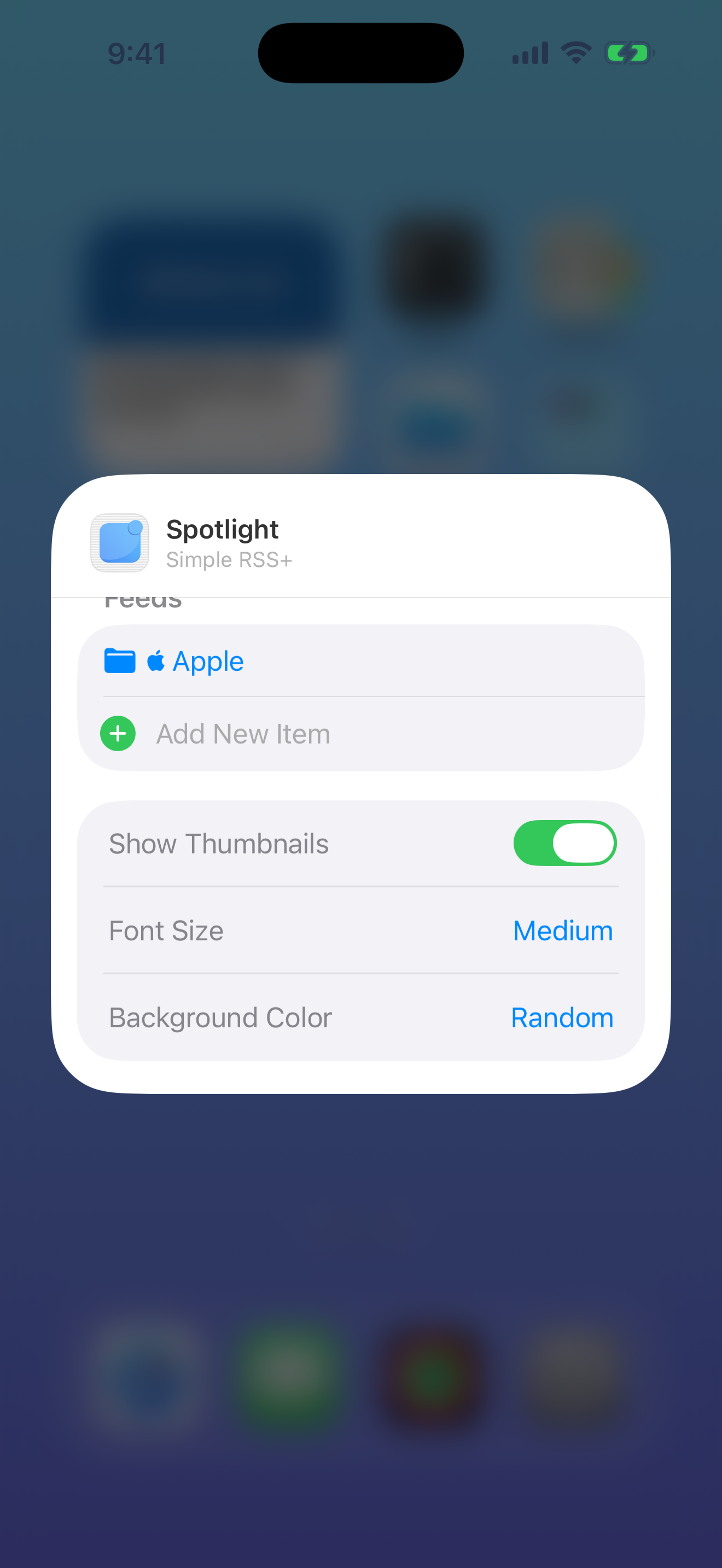
Choose Your Feeds Pick specific feeds, folders, saved searches, or bookmarks. Or "Random Mix".
Display Mode Headlines list or Spotlight feature card.
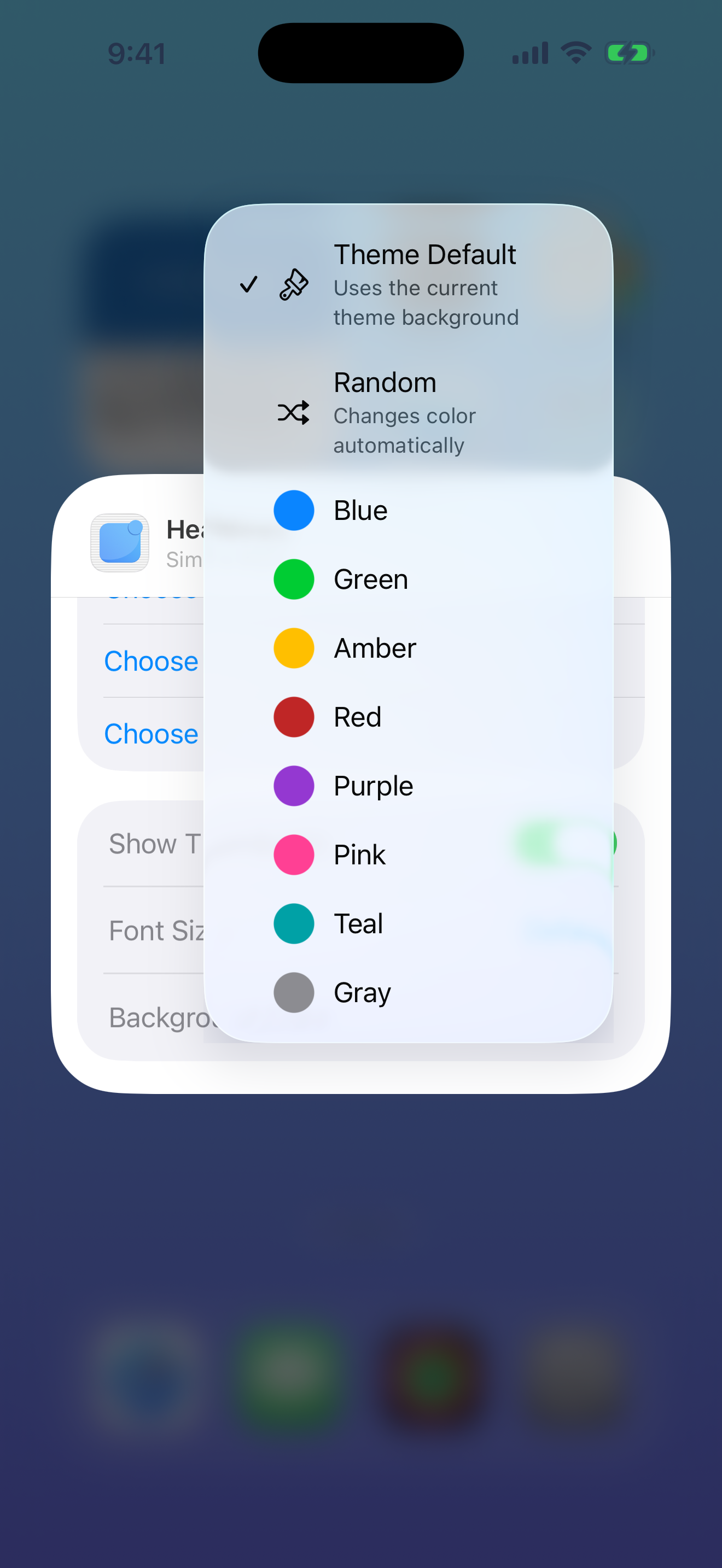
Background Colors Theme Default, or 8 colors: Blue, Green, Amber, Red, Purple, Pink, Teal, Gray. Set to "Random".
Font Size Default, Medium, or Bigger.
Thumbnails Show or hide article images.
Article Selection "Random Mix" for variety, or "Latest Only" for newest articles.

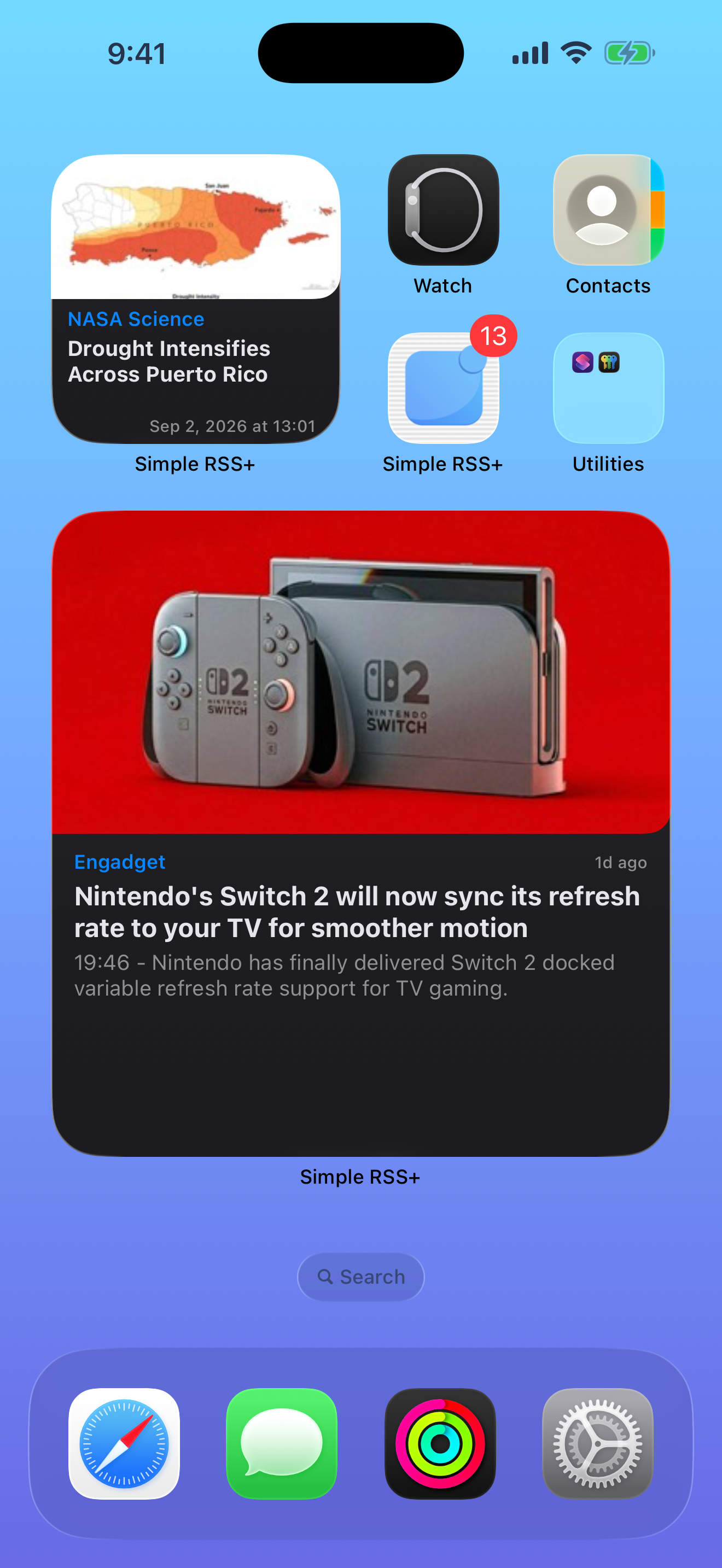
Every color, every size, fully adapted to light and dark mode. Your widget, your way.

Widget Headlines
Widget Spotlight
Widget Headlines
Widget Spotlight
Widget Theme Default
Widget — Headlines Medium
Widget — Spotlight Large
Widget — Lock Screen

Make It Yours

Three distinct visual themes to match your style. Each one designed with care for both light and dark mode.

Aqua

Clean. Modern. Effortless.

Follows your system appearance automatically. Crisp typography, balanced spacing, and the default choice for a reason.

The default theme.

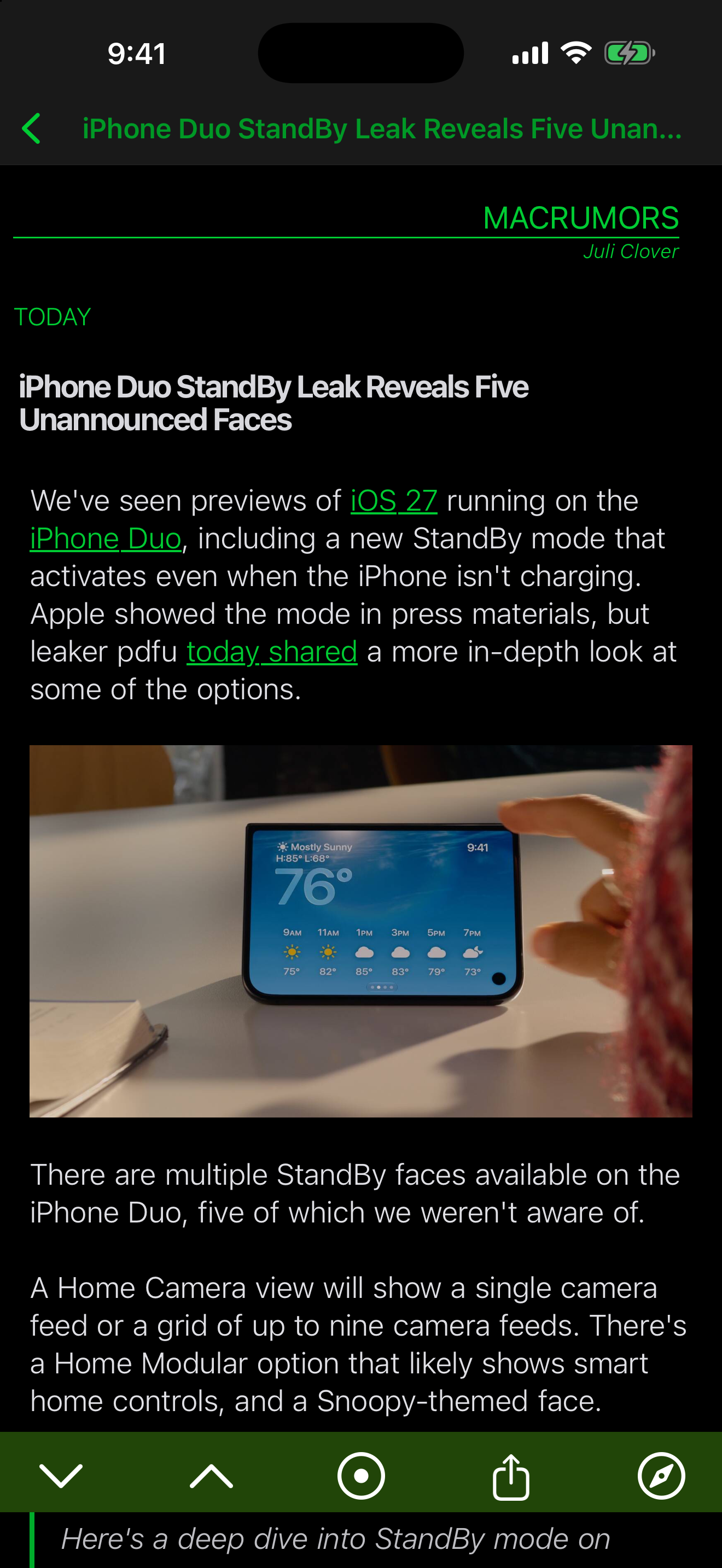
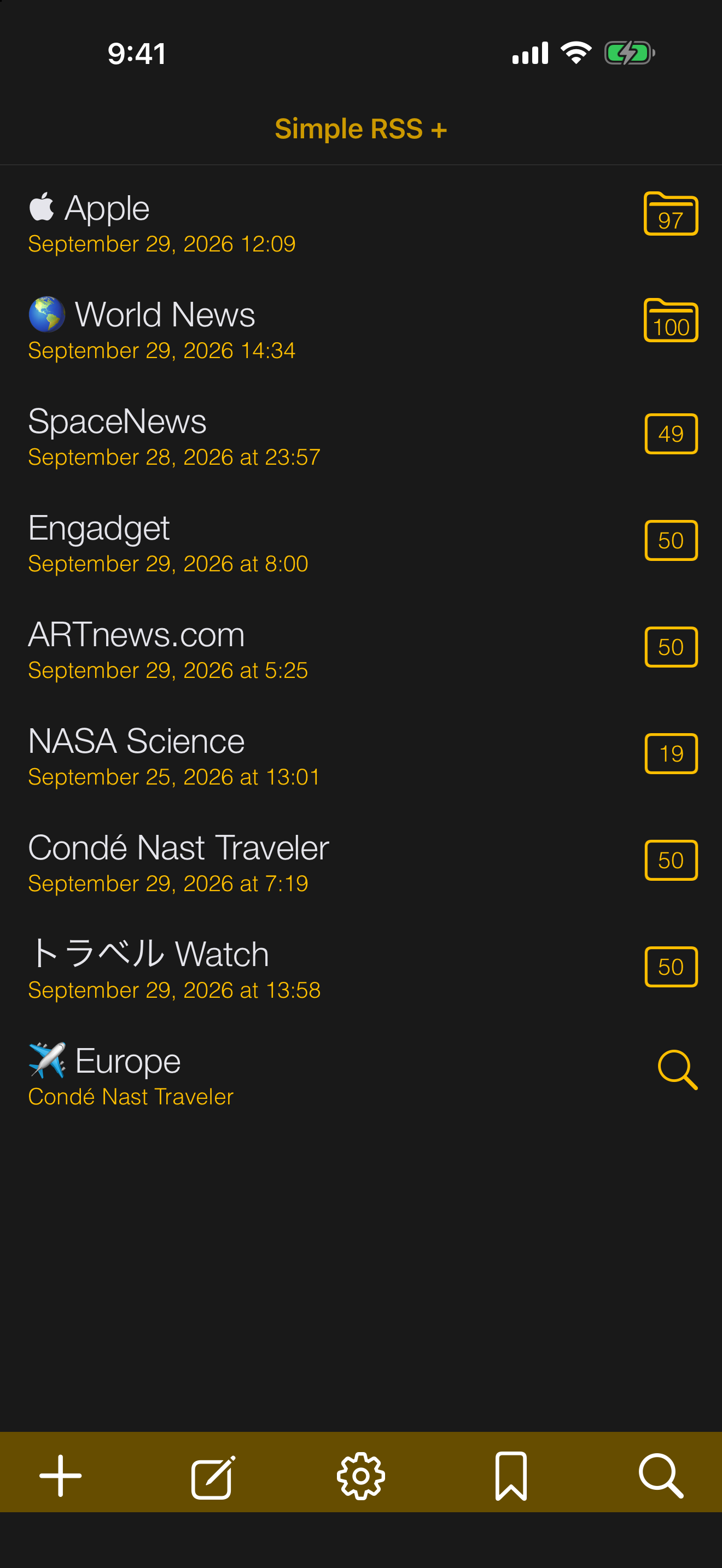
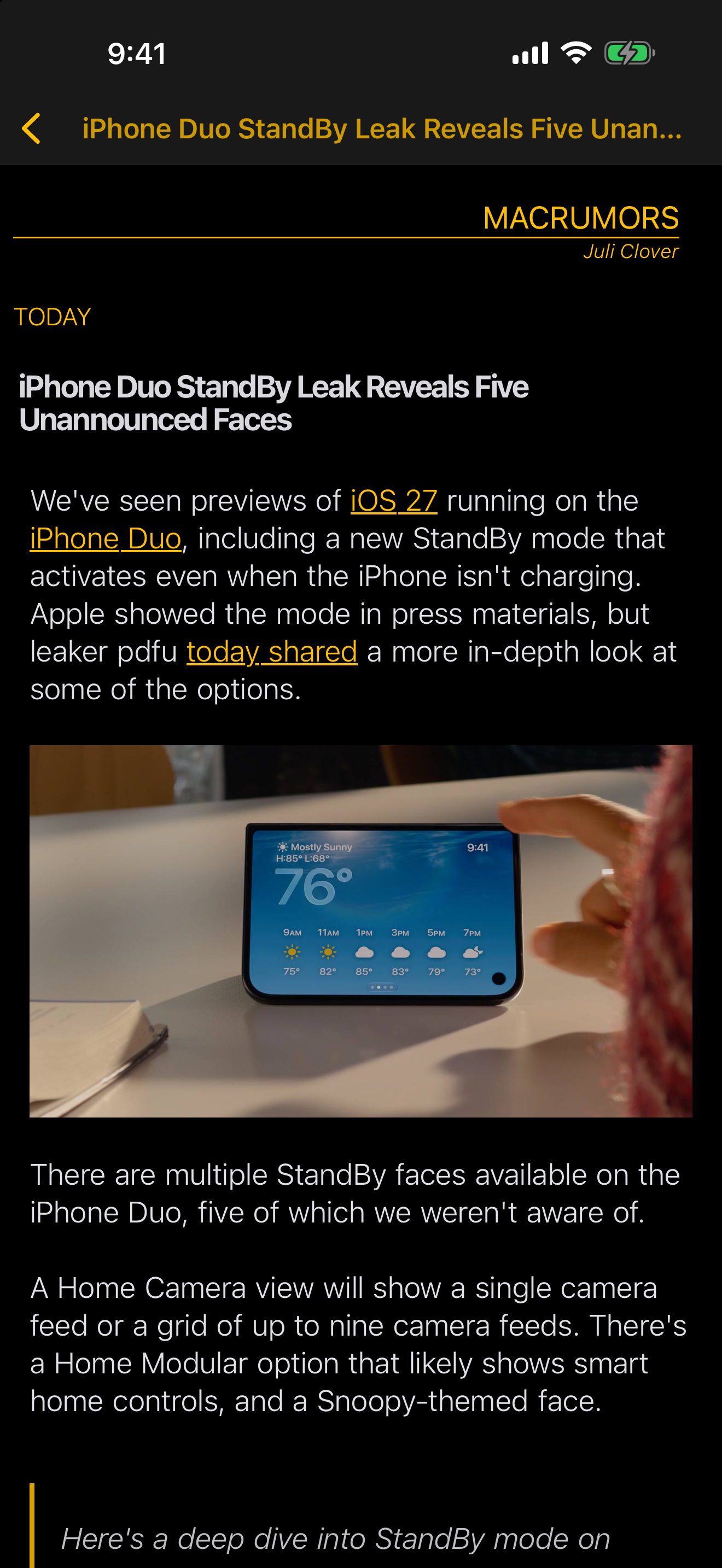
Terminal

> feed --read --all_

Green text on black. For the hacker in all of us. A retro aesthetic that makes reading RSS feel like hacking the mainframe.

Green · Amber · Chrome

Classic

Minimal and timeless.

Stripped back to the essentials. No frills, no distractions — just clean reading with a focus on content.

Light · Dark
Aqua — Light Mode
Terminal — Green
Classic — Dark

App Icons

RSS+
RSS+
RSS+
RSS+
RSS+

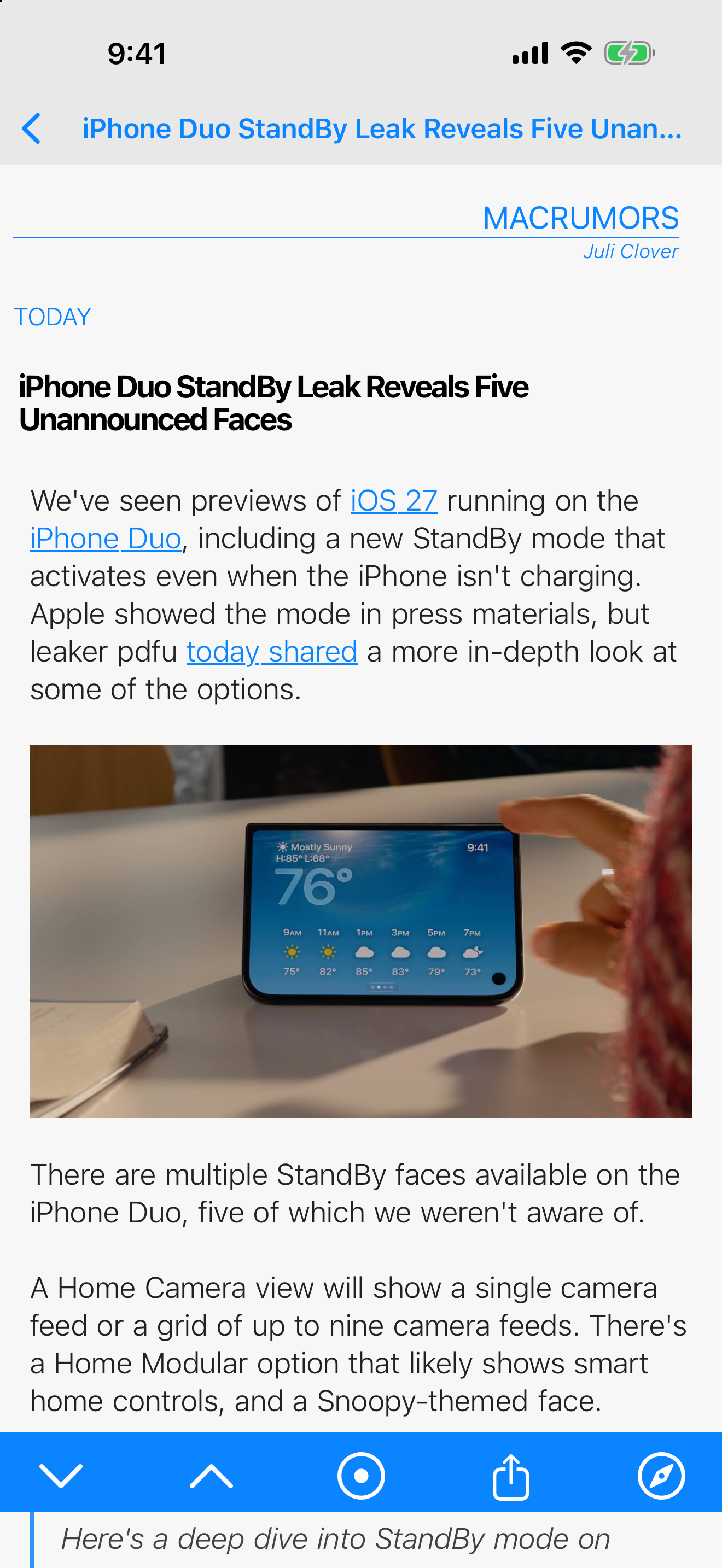
Read Without Distractions

A reading experience built around focus. Adjust everything to your preference and let the content take center stage.

Adjustable Font Sizes

Scale text to your comfort. Small, medium, large — your eyes, your choice.

Cached or Original

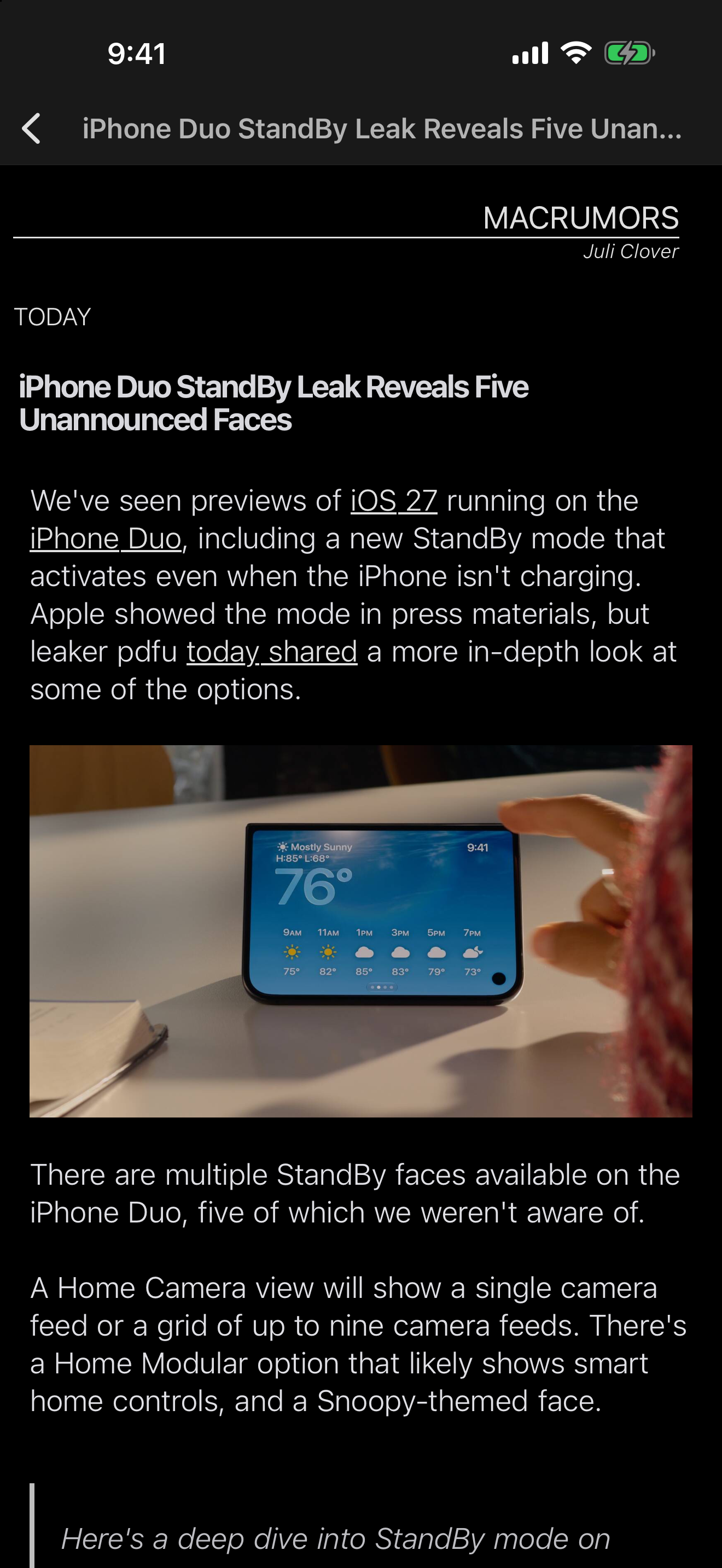
Read the cached article instantly, or tap to open the original page in Safari.

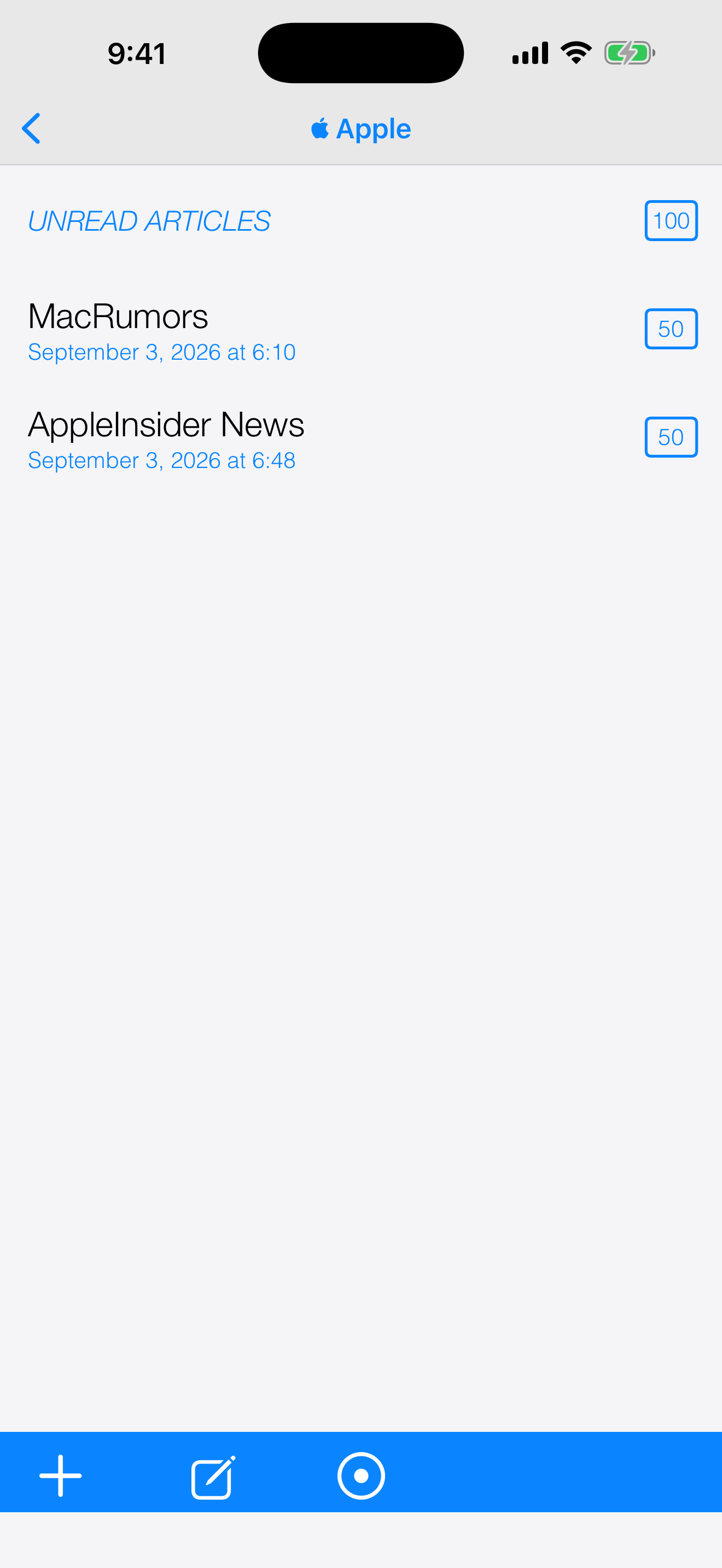
Unread Filters

Show only unread articles. One toggle, zero clutter.

Smart Dates

"Today", "Yesterday", "3 days ago" — human-friendly timestamps at a glance.

Unread Badges

See unread counts on every feed and folder. Always know what's new.

Read Offline

Articles are cached locally so you can read anywhere, even without a connection.

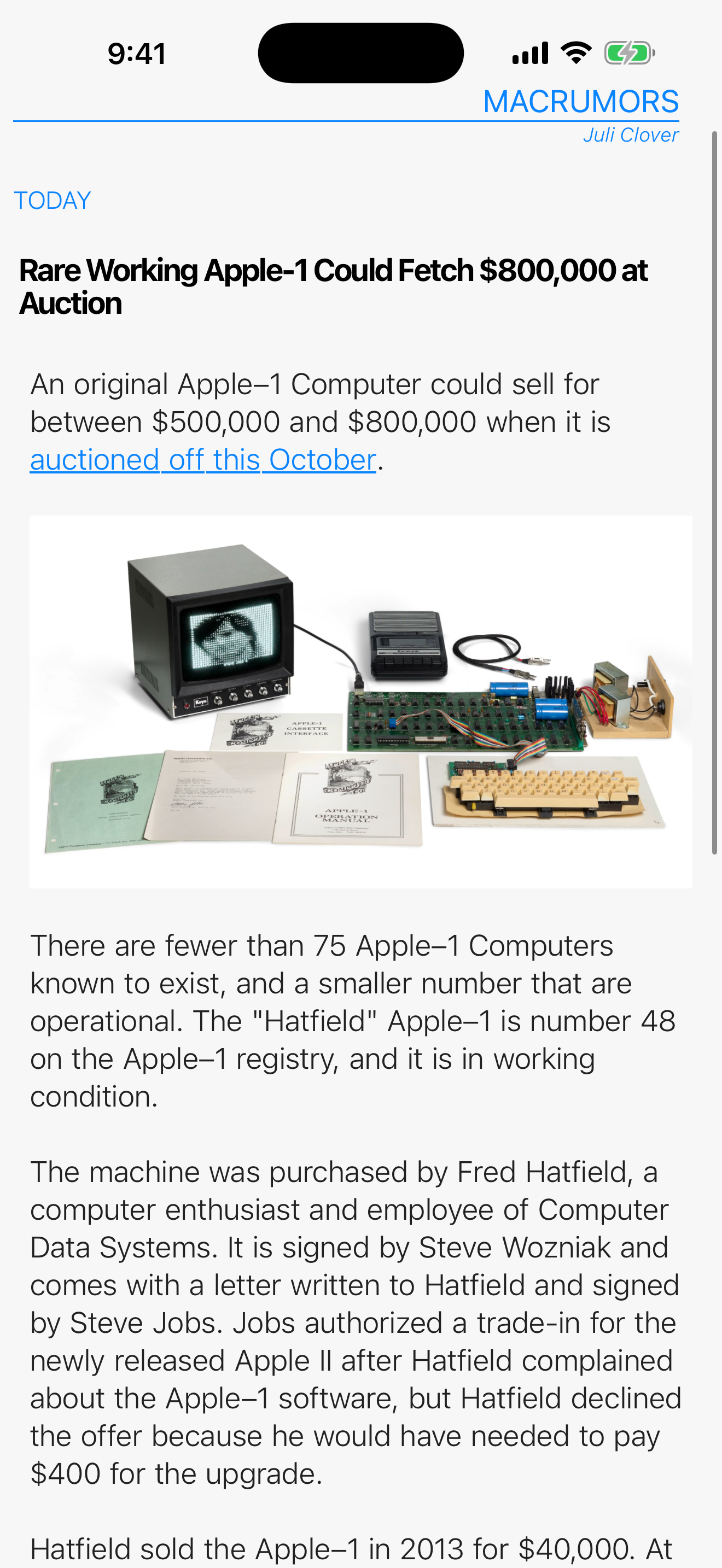
Article Reader View
Offline Reading

Folders, Bookmarks, and
Total Control

Organize your feeds exactly how you want. Powerful tools that stay out of the way.

Custom Folders

Group feeds into folders. Drag, drop, reorganize anytime.

Bookmark Any Article

Save articles for later. Your bookmarks sync across devices and never expire.

Live Search

Find articles instantly across all feeds. Results update as you type.

Saved Searches

Keep your frequent searches one tap away. They appear in your feed list like folders.

Feed Discovery

Paste any website URL and Simple RSS+ will find the RSS feed automatically.

Folders & Feed List
Live Search Results

Switch Freely.
Your Feeds Go With You.

No lock-in. Import your feeds from any reader, export them anytime. Your data stays yours.

One-Tap Import

Open an OPML file and all your feeds appear instantly. That simple.

Bookmark Backup

Export your saved articles separately. Never lose your curated collection.

Full Export

Export all feeds as OPML with one tap. Share or back up your entire setup.

Progress Tracking

Watch feeds import in real time with a live progress indicator.

Universal Compatibility

Works with NetNewsWire, Feedly, Inoreader, and any standard OPML file.

OPML Import Progress

Your feeds are yours. Period.

Take Back Your Reading

No ads. No tracking. No algorithmic feeds. No subscription. Just the websites you love, delivered to your iPhone — with real push notifications, beautiful widgets, and the freedom to switch anytime. Pay once, own it forever.

Available on iPhone. One-time purchase.

Trusted since 2011 by RSS readers worldwide.